Apple Watch User Guide
- Welcome
- What’s new
- Run with Apple Watch
-
- Alarms
- Audiobooks
- Blood Oxygen
- Calculator
- Calendar
- Camera Remote
- ECG
- Medications
- Memoji
- Music Recognition
- News
- Now Playing
- Remote
- Shortcuts
- Siren
- Stocks
- Stopwatch
- Tides
- Timers
- Use the Tips app
- Translate
- Vitals
- Voice Memos
- Walkie-Talkie
- World Clock
- Copyright and trademarks
Get started with Apple Watch
It takes just a few minutes to get up and running with Apple Watch.
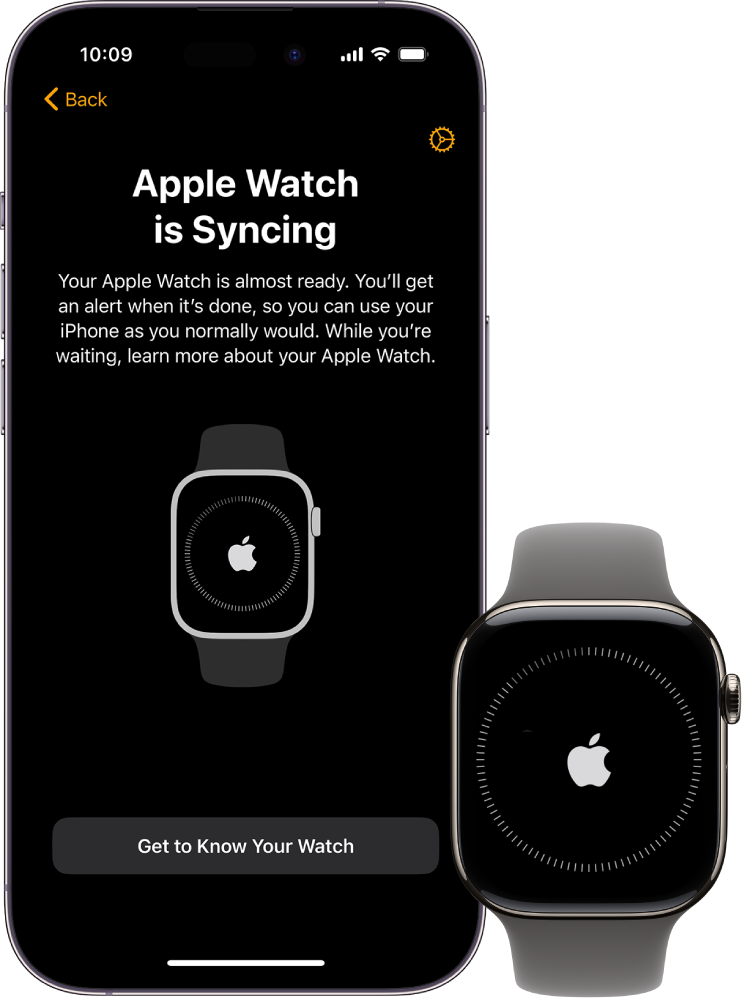
Pair Apple Watch with your iPhone
To set up your Apple Watch, put it on your wrist snugly, then press and hold the side button to turn it on. Bring your iPhone near your watch, then follow the onscreen instructions. To prepare an Apple Watch for a person in your family who doesn’t have an iPhone, tap Set Up for a Family Member.
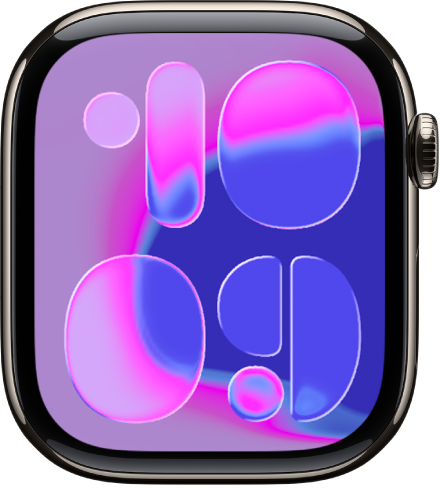
Choose a watch face
Apple Watch comes with both stylish and functional watch faces. To switch to a different face, touch and hold the display, then swipe left or right across the screen. To see even more available faces, swipe left until you see  , tap the button, then scroll through the faces. Tap Add, customize the watch face if you choose to, then press the Digital Crown to use it.

Open an app
Your Apple Watch comes with a variety of apps for staying on top of your health, working out, and keeping in touch. To open an app, press the Digital Crown, then tap the app. To return to the Home Screen, press the Digital Crown again. You can download more apps from the App Store on Apple Watch.

Quickly change settings
Control Center gives you instant access to Silent Mode, Do Not Disturb, Wi-Fi, flashlight, and more—just like on iPhone. To open Control Center, press the side button.
Want to learn more?