Modifying this control will update this page automatically
Apple TV User Guide
- Welcome
- What’s new in tvOS 14
- Use the Search app
-
- Restrict access to content
- Adjust privacy settings
- Manage storage
- Share Apple TV
- Family Sharing
- Adjust video and audio settings
- Set the TV button
- Connect Bluetooth devices
- Use the iOS or iPadOS keyboard
- Control your TV and volume
- Use other remotes
- Use Apple TV as a conference room display
- Change network settings
- Change language or region
- Copyright
View search results on Apple TV
When you ask Siri to find movies, TV shows, actors or other subjects, the search results appear at the bottom of the screen.
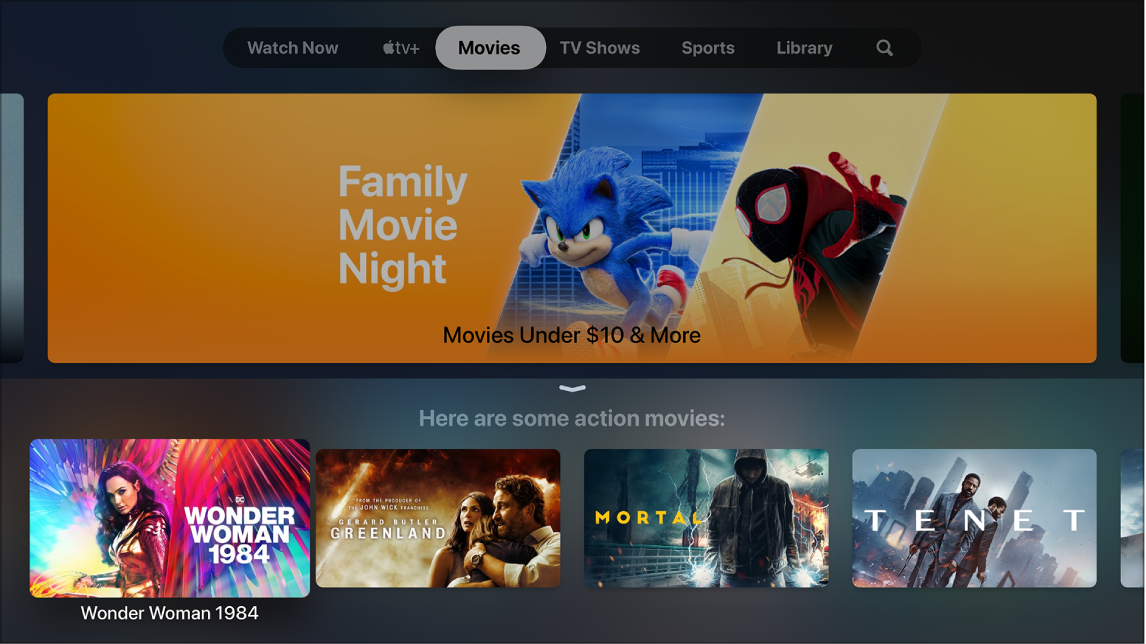
Select a search result
Navigate to the result you want to open, then press the clickpad center (second-generation Siri Remote) or the touch surface (first-generation Siri Remote).
Information about the video appears, including a description, rating, cast, and which apps the video is available on. You can also play a trailer.
If your query yields only one search result, Siri shows the details for that video.

View more information about a video
Press the down button or swipe down on the clickpad (second-generation Siri Remote) or swipe down on the touch surface (first-generation Siri Remote) to view more details about the video, including ratings and reviews.
Thanks for your feedback.