Design craft built-in. The GitHub Copilot app ships with Impeccable, the open-source design skill, raising the bar for the agent’s output.
GitHub Copilot app
From issue to merge, in one app
The GitHub Copilot app is the only desktop experience for agent-driven development built natively on GitHub. Available for macOS, Windows, and Linux, on any Copilot plan, or bring your own key.
Start a session from an issue, a prompt, or a PR already in flight.
Run multiple sessions across every area of work
Open a session from real work across your issues, pull requests, or prompts.
Take control of your workflow. Every session comes with a workspace for your branches, files, and conversations.
Learn more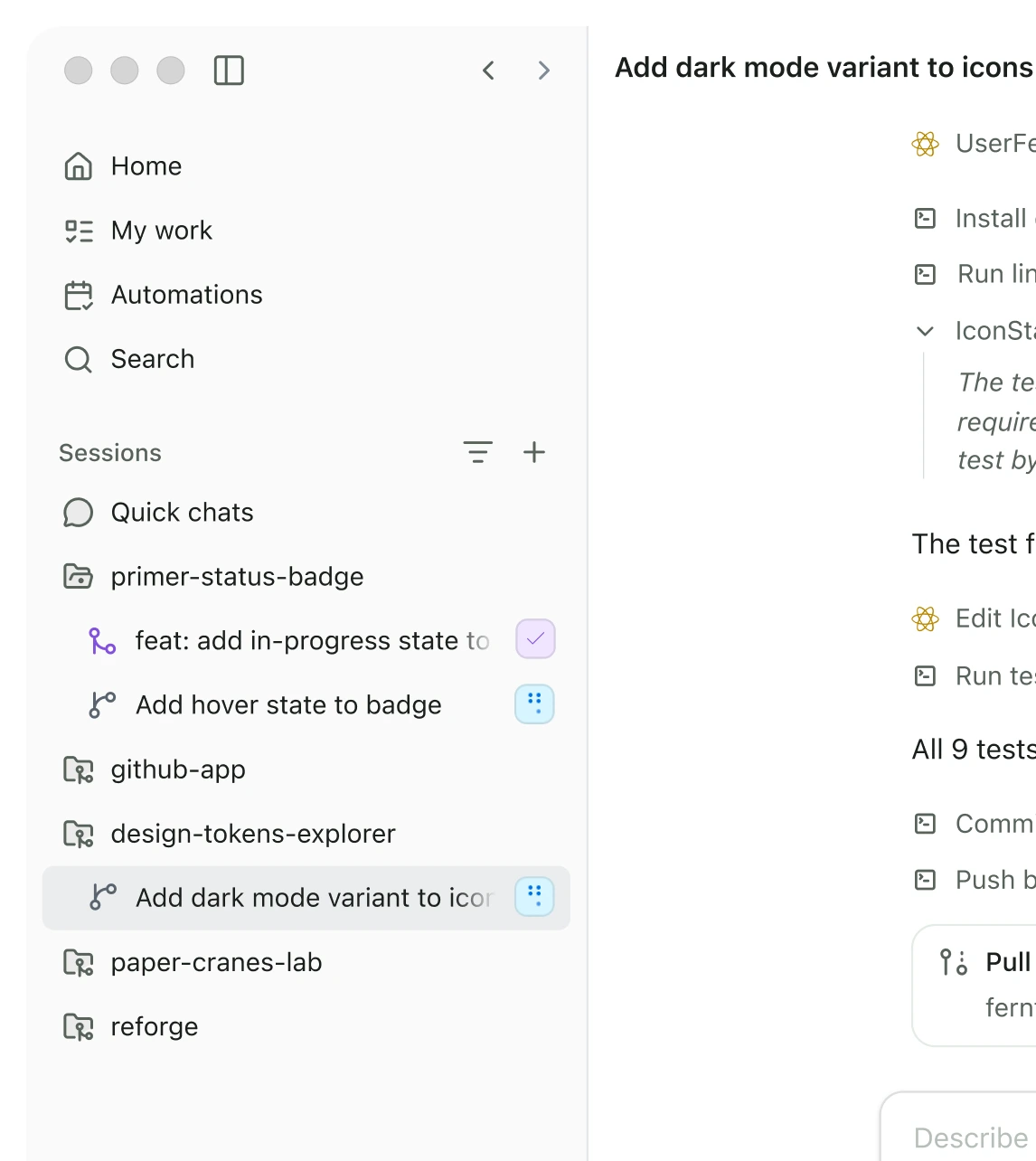
Work stays separated, even when you have more than one task in motion.
Learn more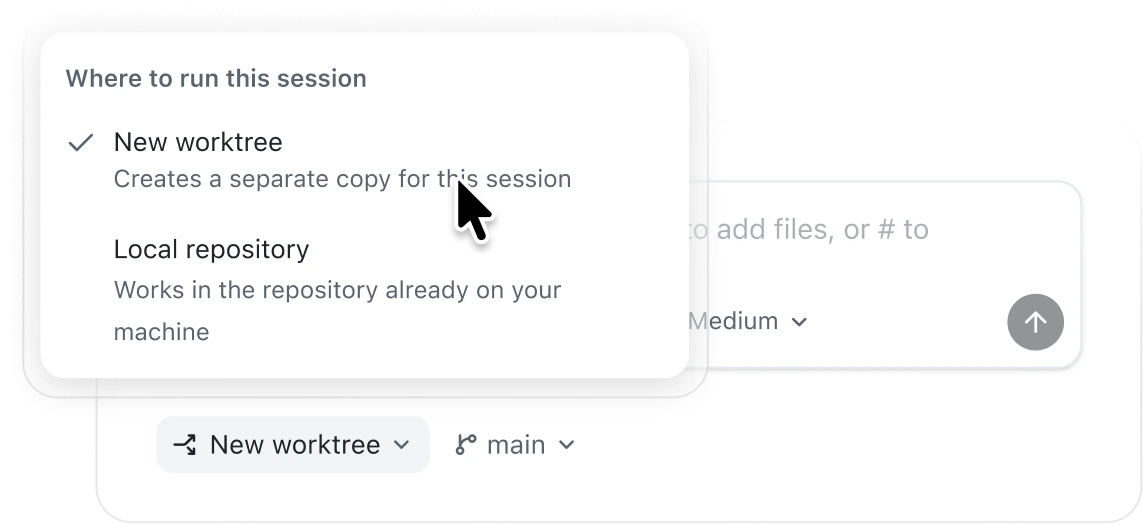
Inspect diffs, preview via in-app browser, run terminal checks, and merge PRs directly inside your session.
Learn more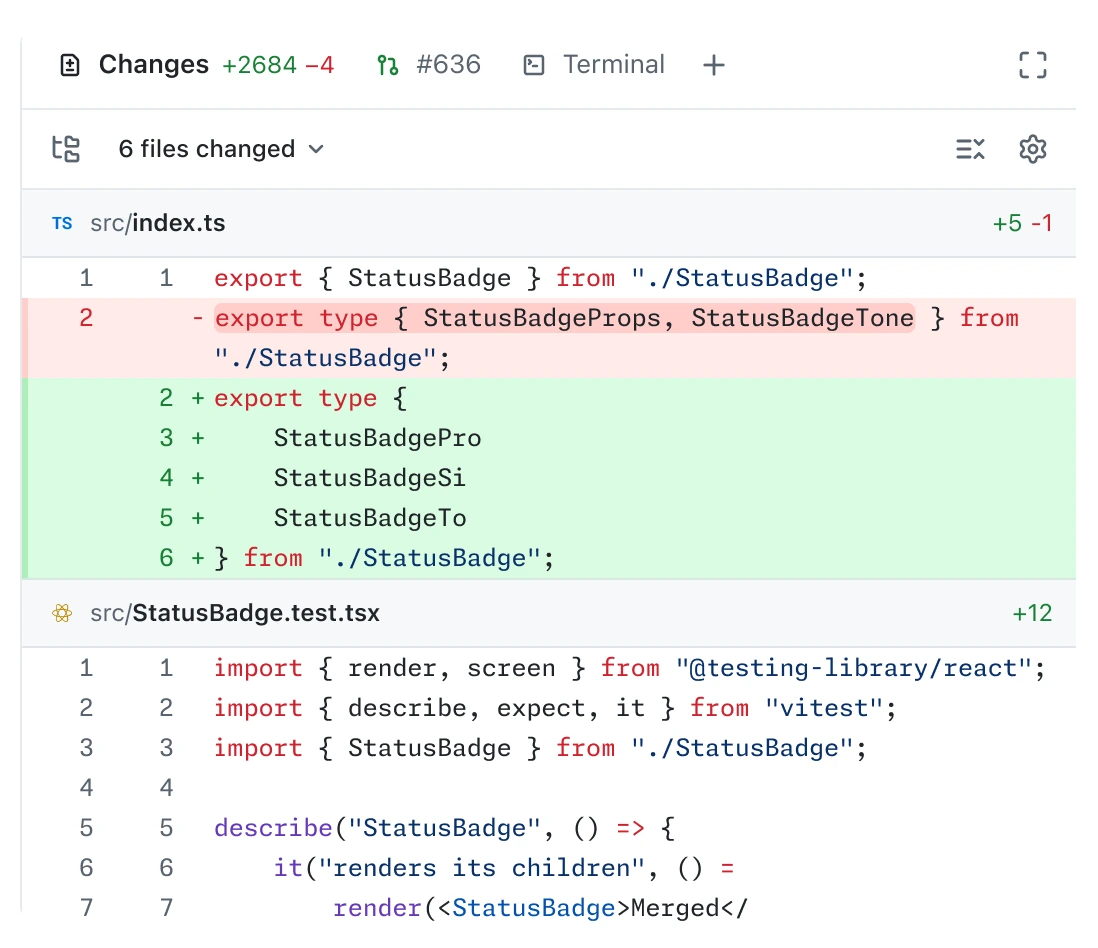
Turn skills and prompts into repeatable work that can be run on a regular basis.
Learn more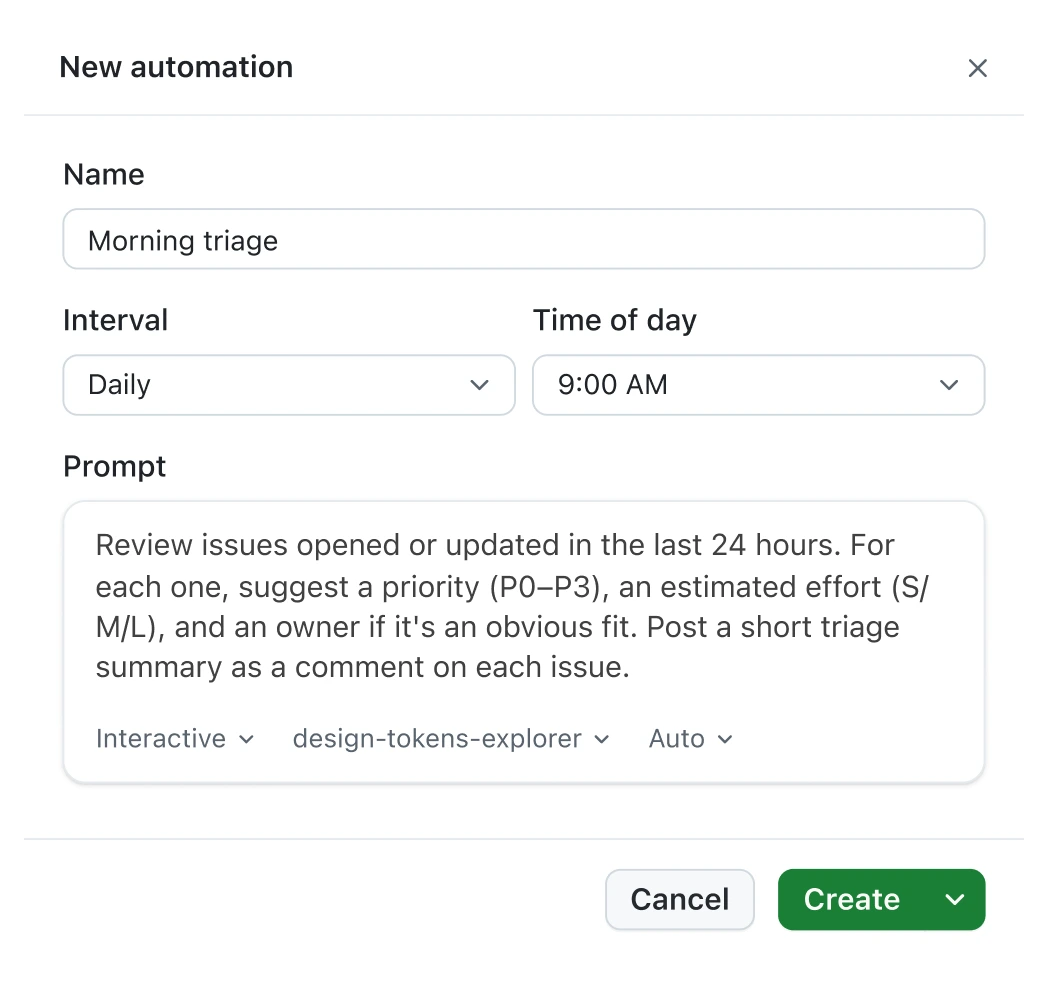
Design craft built-in

23 design commands. Use /critique for a design review, /typeset to fix the typography, /layout to adjust spacing, and /polish for a final pass.
Teach it your system once. Give design system context up front, and the agent remembers your design conventions in the future.
No complicated setup. Turn on the skill in Settings under the Experimental tab.
Extend agents with your own tools
Your MCP servers, plugins, and skills all come together so you spend less time configuring and more time shipping.
Native GitHub context
Each session natively connects to your code, PRs, issues and search. Deep context without the manual config.
Learn more
Deploy custom skills
Custom repo and Copilot skills sync automatically across your sessions. Turn any skill into a workflow with one-click.
Learn more
Connect external data via MCP’s
Your repo's MCPs sync automatically. Connect additional custom MCP servers via local or HTTP config.
Learn more
Plans
Pricing
Works with every GitHub Copilot plan, or bring your own key.
Free
For getting started with GitHub Copilot.
$0USD
What's included:
What's included:
- 2,000 completions per month
- Copilot CLI
- GitHub Copilot app
No credit card required. Verified students have access to the GitHub Copilot Student plan. Learn more
Pro
For everyday coding with agents in GitHub Copilot.
$10USDper user / month
Everything from Free and:
Everything from Free and:
- Access to Cloud agent and code review Code review will incur Actions usage.
- Unlimited code completion and next edit suggestions Response times may vary during periods of high usage. Requests may be subject to rate limiting.
- Access to 3rd party agents (Claude Code and Codex)
- Model selection
- $15 monthly total credits for Pro Flex allotments will vary over time.
Pro+
For more complex development with premium models.
$39USDper user / month
Everything from Pro and:
Everything from Pro and:
- Access to premium models, including Opus
- Audit logs
- 4x+ included usage than Pro
- $70 monthly total credits for Pro+ Flex allotments will vary over time.
Max
For sustained, high-volume agent workflows with GitHub Copilot.
$100USDper user / month
Everything in Pro+ and:
Everything in Pro+ and:
- Priority access to new models and features
- 2.9x+ included usage than Pro+
- $200 monthly total credits for Pro+ Flex allotments will vary over time.
Best value
Share your feedback
Help us build
Whether you find a bug or have an idea for a feature, we want to hear from you. Let us know and we'll take your ideas into account.
Related resources
Keep up-to-date on the latest
Get the latest on new features and fixes as we ship it.
Read the changelog