Skip to content

Navigation Menu

Search code, repositories, users, issues, pull requests...

Provide feedback

We read every piece of feedback, and take your input very seriously.

Saved searches

Use saved searches to filter your results more quickly

AI for every step of your workflow

GitHub Copilot works with you and for you to bring big ideas to life and push technology forward.

/ai logos

Features

Accelerate from idea to first commit

Turn ambitious projects into a functional codebase with AI that understands your intent.

Go from idea to deployed application using natural language with built-in AI, database, and authentication.

Explore GitHub Spark
Dark-themed interface with a purple star, the phrase 'Build. Deploy. Share.', and a prompt asking 'What would you like to create?' followed by buttons: Note taking app, Family calendar, Habit tracking app.

Use plan mode in VS Code to approve Copilot’s blueprint before it starts building.

Explore plan mode
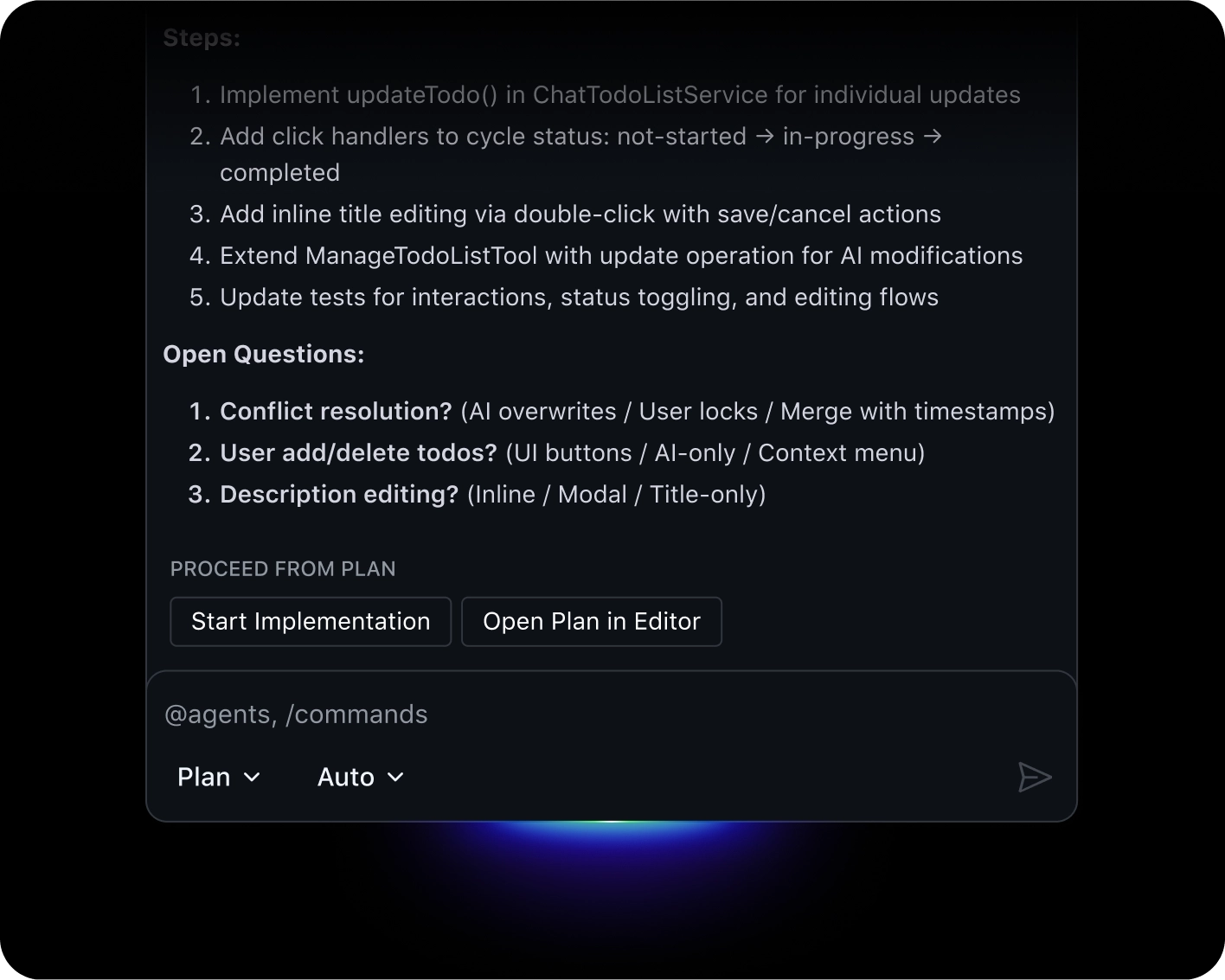
Dark UI showing a task plan with steps for to-do updates, open questions, and “Start Implementation” and “Open Plan in Editor” buttons.

Complete complex tasks quickly by using agent mode to analyze your code, propose edits, run tests, and validate results.

Try agent mode
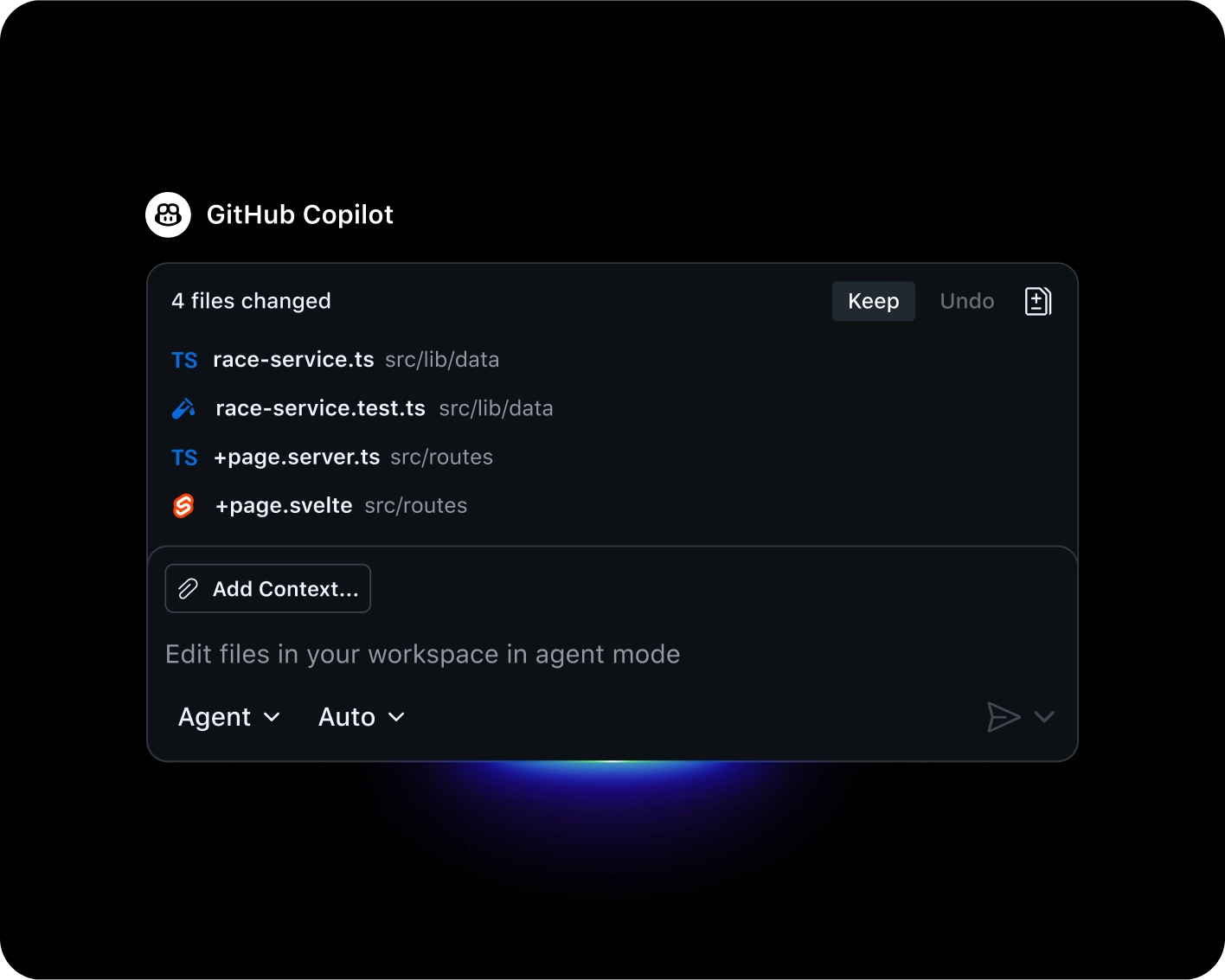
GitHub Copilot UI showing 4 changed files with options to keep or undo changes, and an “Add Context” button.
Dark-themed interface with a purple star, the phrase 'Build. Deploy. Share.', and a prompt asking 'What would you like to create?' followed by buttons: Note taking app, Family calendar, Habit tracking app.
Dark UI showing a task plan with steps for to-do updates, open questions, and “Start Implementation” and “Open Plan in Editor” buttons.
GitHub Copilot UI showing 4 changed files with options to keep or undo changes, and an “Add Context” button.
Agents

Command your codebase

Put Copilot to work on tasks in the background, clearing your path to focus on the next creative challenge.

Explore agents on GitHub

Assign issues to Copilot and get fully-formed pull requests back.
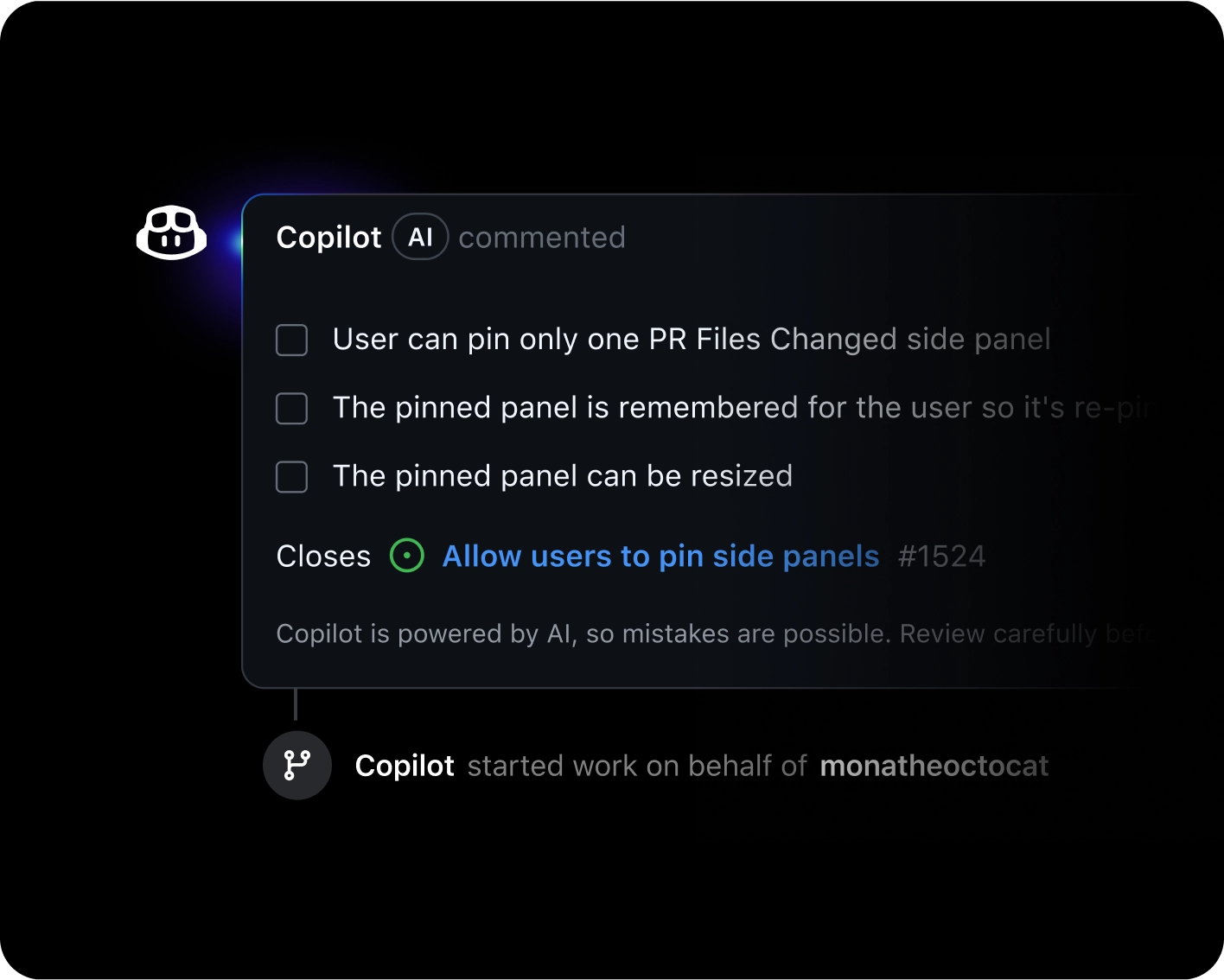
Copilot AI comment showing three checklist items about pinning side panels and a link to the related issue.

Build and share specialized agents that connect to your tools and automate workflows.

GitHub Copilot Agents interface with a task input field, selected repository, and a dropdown menu to choose or create a custom agent role.

Get a mission control view of all your agent tasks to track their progress and stay in control.
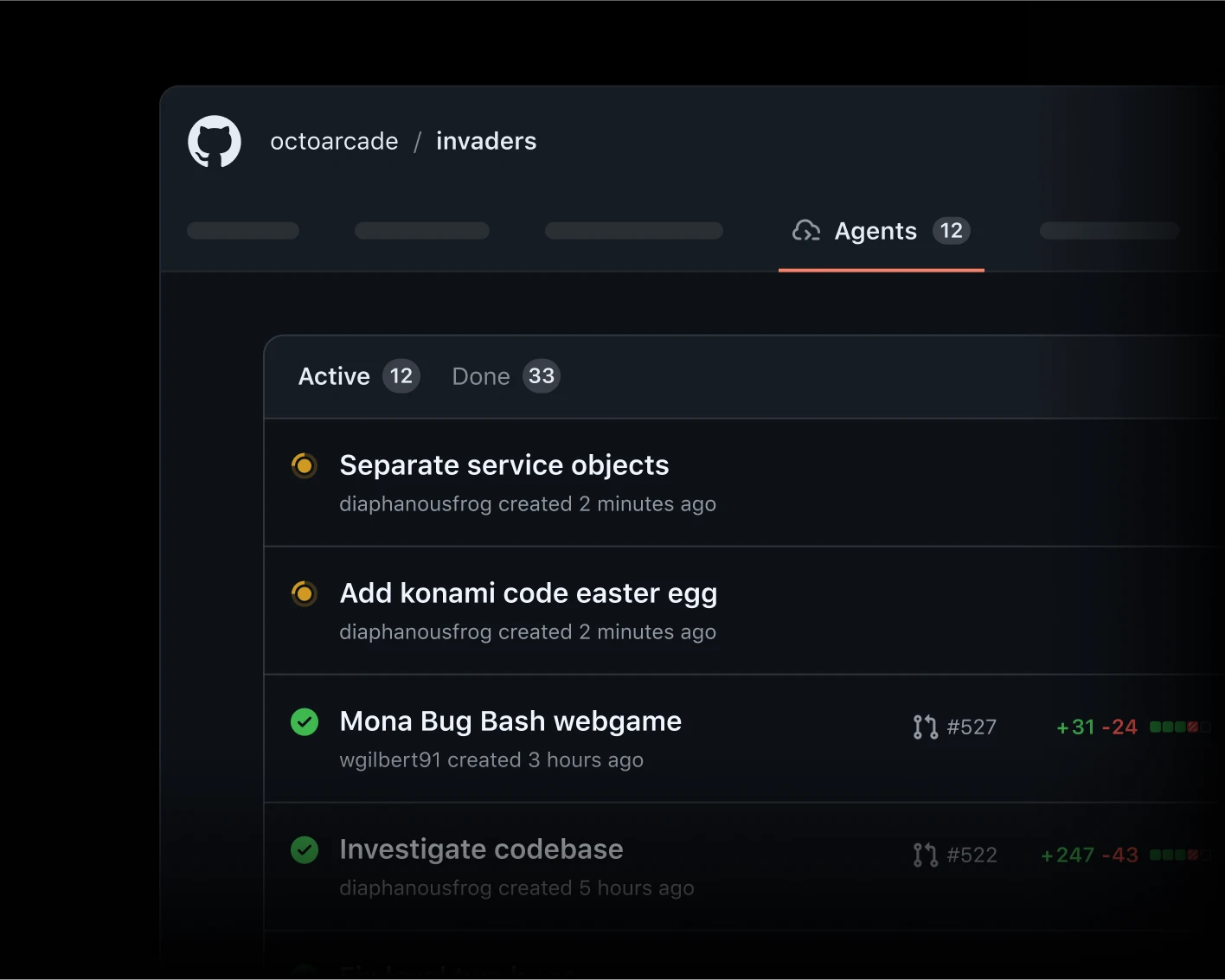
GitHub Agents dashboard for the “octoarcade/invaders” repository, showing a list of active and completed agent sessions with status indicators and timestamps.
Copilot AI comment showing three checklist items about pinning side panels and a link to the related issue.
GitHub Copilot Agents interface with a task input field, selected repository, and a dropdown menu to choose or create a custom agent role.
GitHub Agents dashboard for the “octoarcade/invaders” repository, showing a list of active and completed agent sessions with status indicators and timestamps.
Security

Secure and ship quality code

Deploy with confidence as Copilot helps you find and fix vulnerabilities in real time.

Eliminate vulnerabilities on the spot with intelligent, automated suggestions from Copilot Autofix.

Explore Copilot Autofix
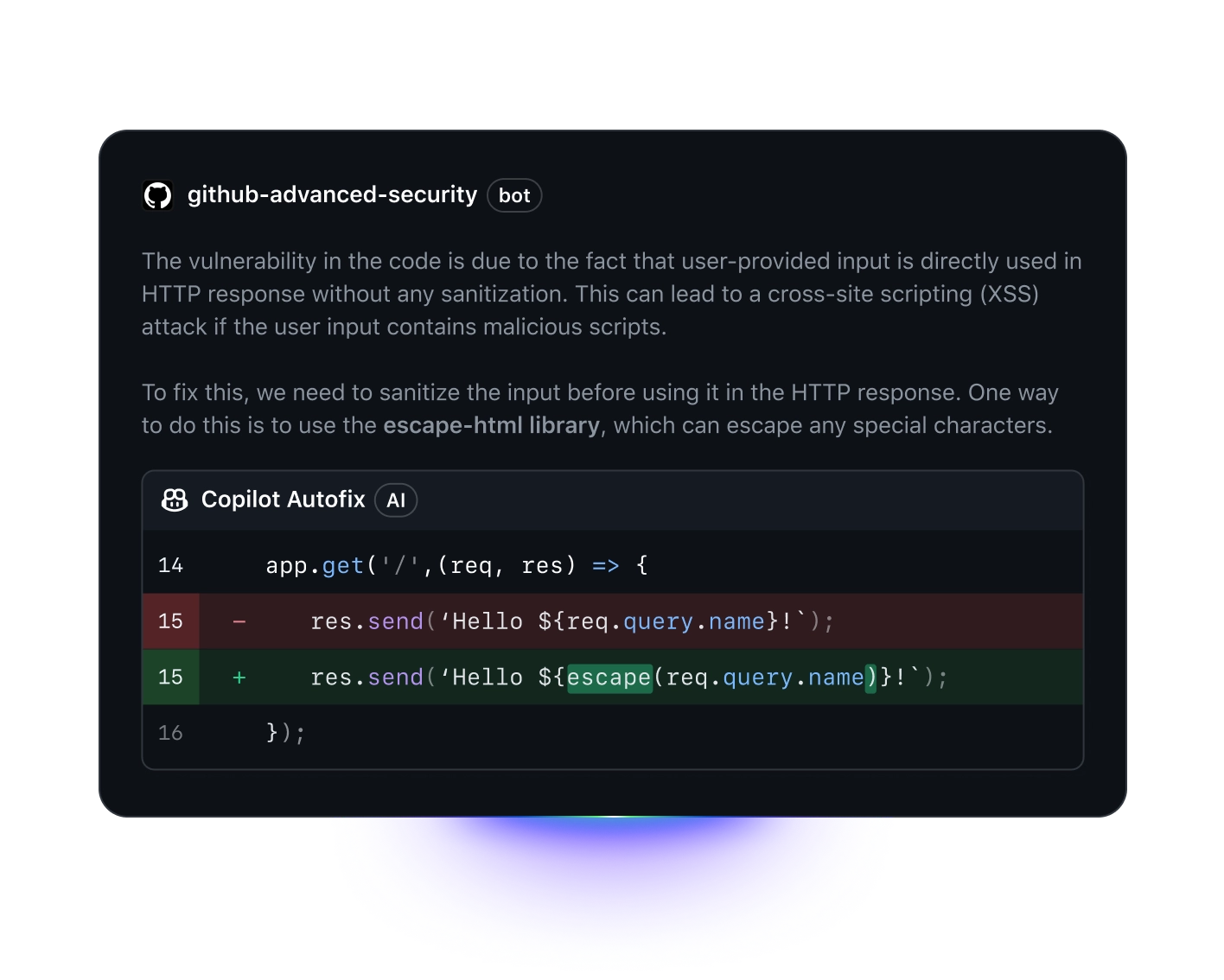
GitHub Advanced Security bot explains an XSS vulnerability and shows a Copilot autofix using escape to sanitize user input in code.

Use Copilot to analyze your work, uncover hidden bugs, and fix mistakes before your team reviews.

Explore Copilot code review
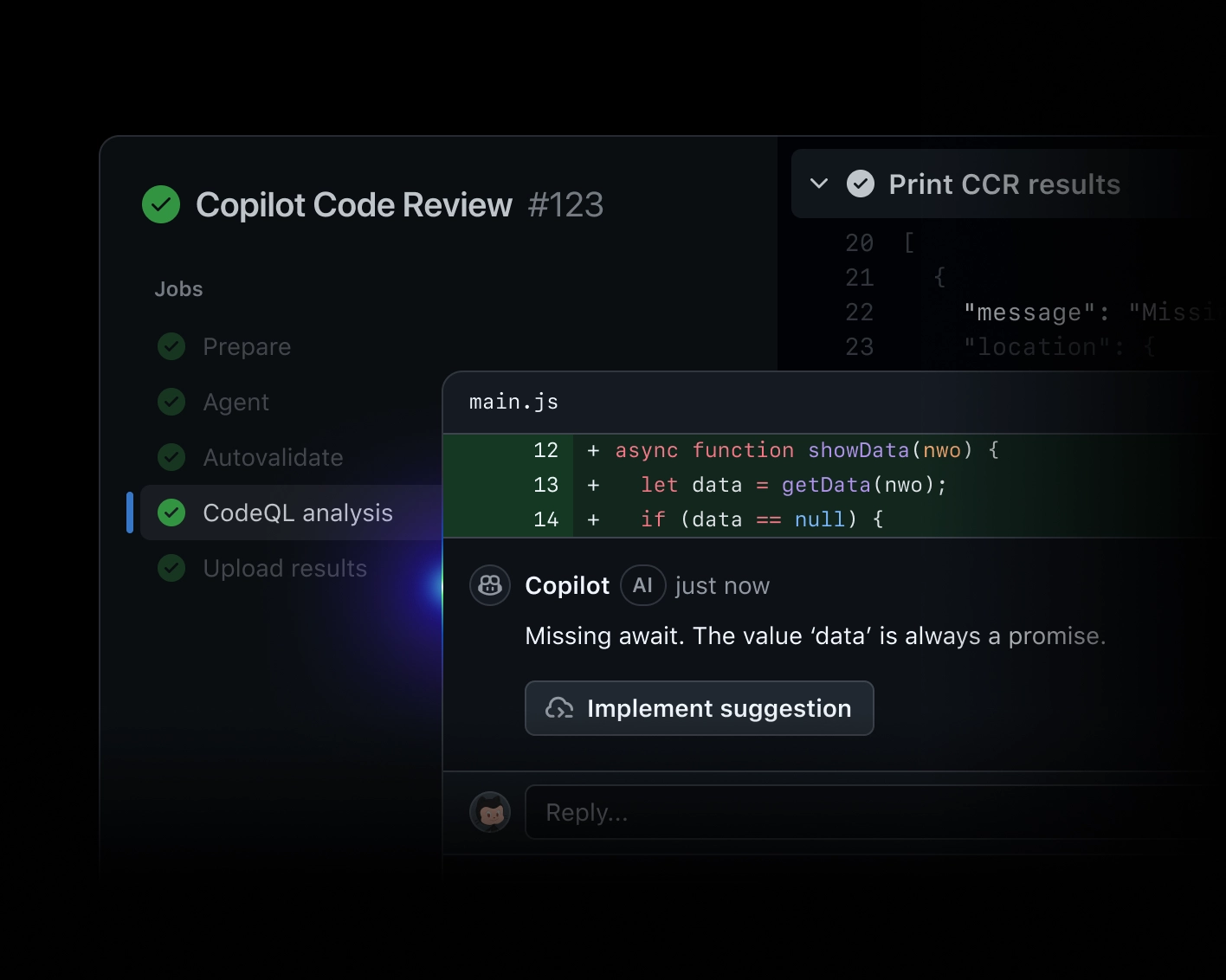
Copilot suggests adding await to a fetch call to fix asynchronous behavior and shows a reviewer selection panel.

Gain full visibility and control over agent-powered software development throughout your business.

View the docs
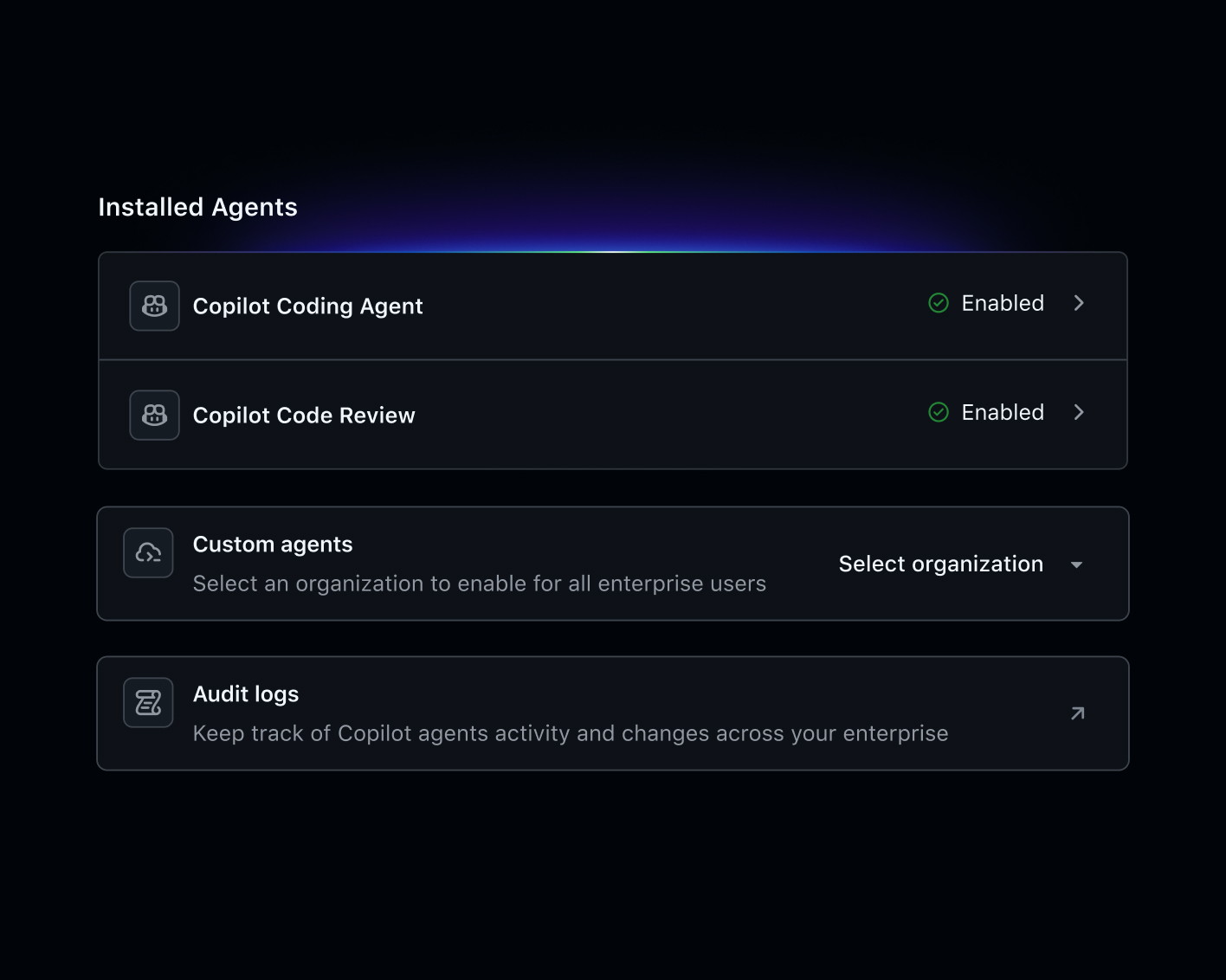
Settings panel showing installed Copilot agents, with Coding Agent enabled, Code Review enabled, and options for custom agents and audit logs.
GitHub Advanced Security bot explains an XSS vulnerability and shows a Copilot autofix using escape to sanitize user input in code.
Copilot suggests adding await to a fetch call to fix asynchronous behavior and shows a reviewer selection panel.
Settings panel showing installed Copilot agents, with Coding Agent enabled, Code Review enabled, and options for custom agents and audit logs.

Tailor AI to your needs

Choose your engine

Prioritize speed, depth, or cost by picking the industry-leading model that’s right for you with GitHub Models.

Explore GitHub Models

Connect your AI tools to GitHub

Bring the rich context of GitHub into your AI tools with the GitHub MCP Server.

Explore GitHub MCP Server

Discover custom MCP servers

Find a community-driven registry of custom MCP servers via the GitHub MCP Registry.

Explore GitHub MCP Registry

Trusted by the world’s leading organizations

From startups to Fortune 100 enterprises, companies choose Copilot to innovate faster while keeping their code secure.

Explore AI at GitHub

Copilot newsletter

Biweekly tips, best practices, and use cases—delivered straight to your inbox. 

Sign up now

Copilot docs

Everything you need to get up and running with your AI pair programmer.

Read the docs

Copilot Chat prompts

Use these prompt examples to build faster and smarter.

Explore now

Executive Insights Hub

See how top organizations are using AI to transform software development.

Dive in

The GitHub Blog

Tips, tutorials, and news for developers at every level.

Read the Blog

GitHub Models docs

Learn how to experiment with and evaluate AI models in your workflow.

Read the docs
Morty Proxy This is a proxified and sanitized view of the page, visit original site.