Skip to content

Navigation Menu

Sign in
Appearance settings

Search code, repositories, users, issues, pull requests...

Provide feedback

We read every piece of feedback, and take your input very seriously.

Saved searches

Use saved searches to filter your results more quickly

Appearance settings

eelmafia/Darkstack

Open more actions menu

Repository files navigation

Darkstack - a collection of dark themes for VSCode

These are a part of the themes I have made for myself. I created Darkstack because I wanted to share the ones I like the most with others.


Table of contents:

  1. Search and install "Darkstack" in the VSCode extensions tab.
  2. Open the command tab (Ctrl+Shift+P) -> enter Preferences: Color Theme -> select desired theme.
    • If you have a lot of themes installed type Darkstack to filter for Darkstack themes only.

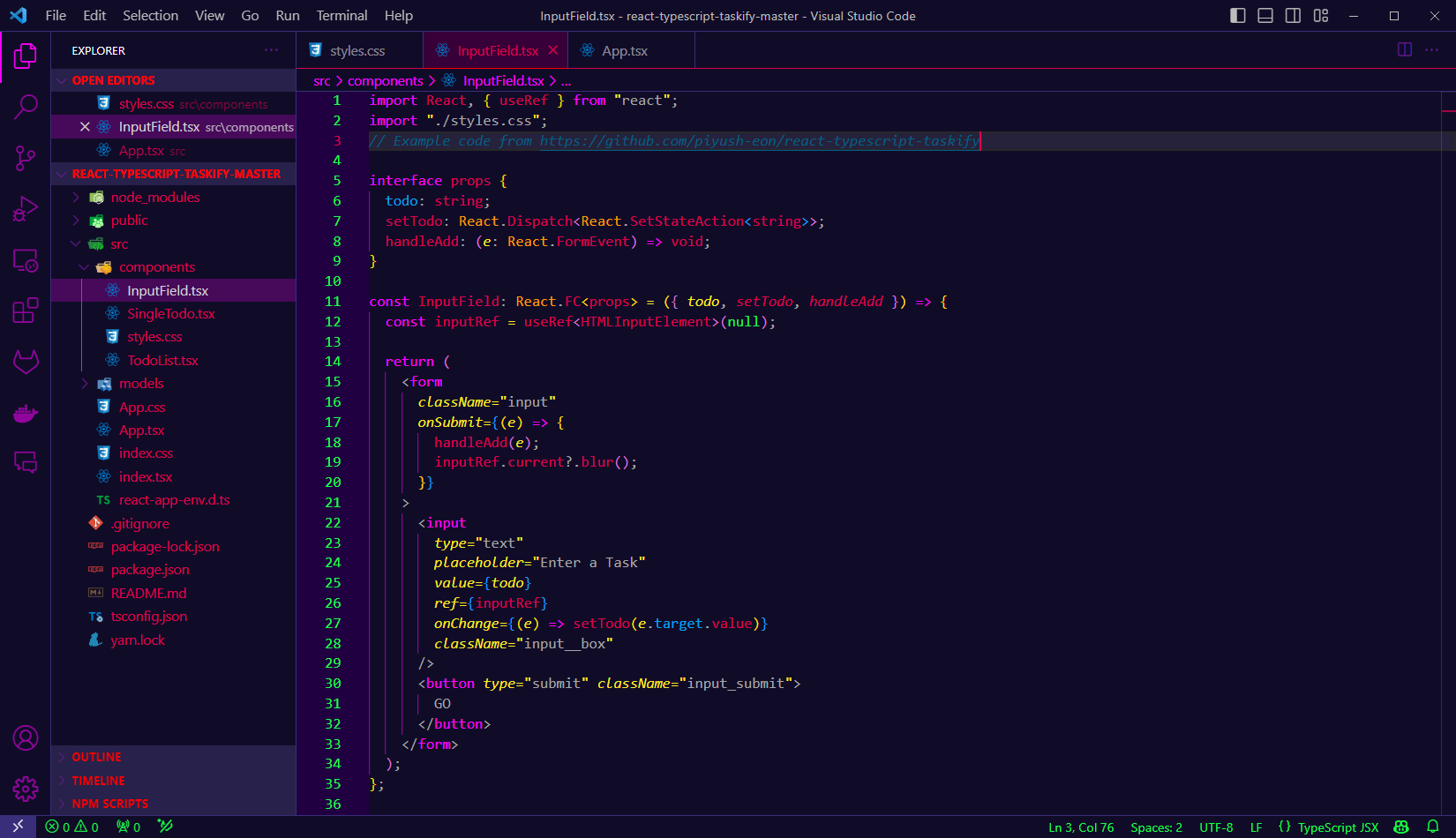
Edgerunner

Edgerunner theme screenshot


Code Red

Code Redtheme screenshot


Cyberblue

Code Redtheme screenshot


Miami Vice

Code Redtheme screenshot


Maybe more coming later.

About

a collection of dark themes for VSCode

Topics

Resources

Stars

Watchers

Forks

Releases

Packages

Used by

Contributors

Morty Proxy This is a proxified and sanitized view of the page, visit original site.