Send USD payouts to Link usersPrivate preview
Send dollar-denominated stablecoin payouts to Link users who don't have an existing crypto wallet.
USD payouts to Link are currently available to select businesses and countries for Global Payouts users. To register interest, join the waitlist or contact your Stripe account manager.
Use USD payouts to Link to:
- Reach more recipients globally: Pay recipients in USD stablecoins anywhere.
- Offload complexity: Link handles currency conversion and recipient onboarding.
- Send payouts instantly: Recipients receive funds immediately into their Link account.
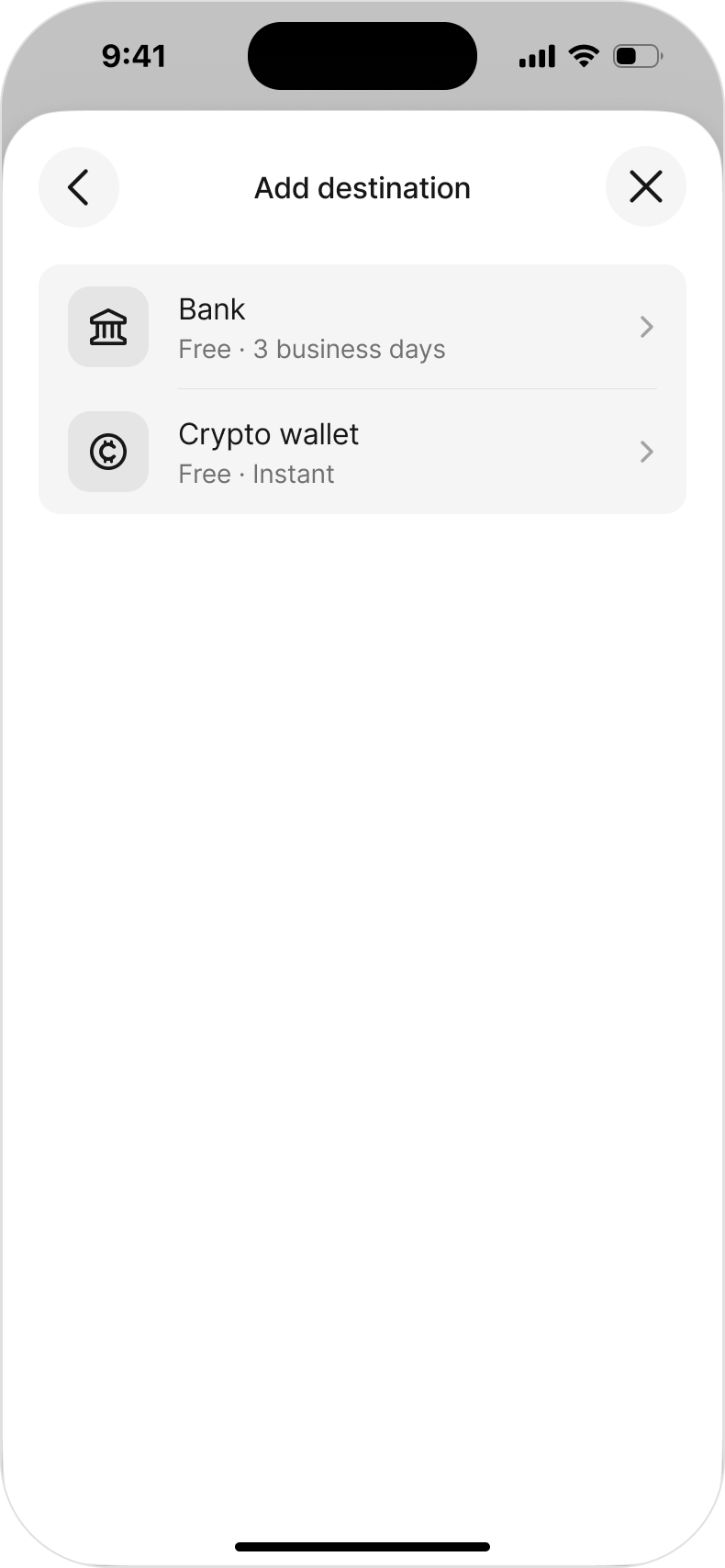
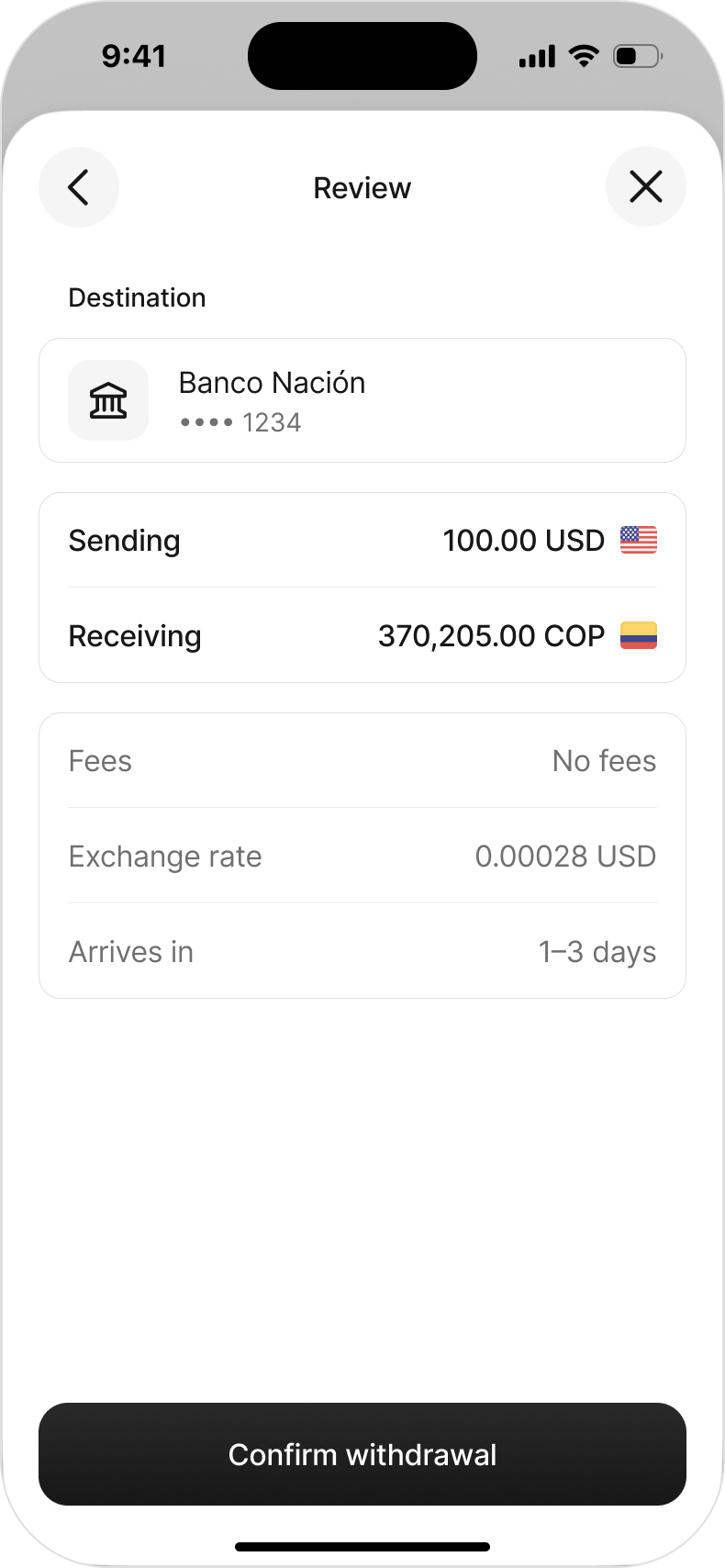
After receiving a payout, recipients can hold funds in Link, transfer funds to a bank account in their local currency, or send funds to a crypto wallet.
Send money to Link
Sending USD payouts to Link is similar to other payout methods.
Create a recipient
To send USD payouts to a Link recipient, first create (or retrieve) a recipient-configured v2 Account for the end user and request the link capability.
curl -X POST https://api.stripe.com/v2/core/accounts \
  -H "Authorization: Bearer sk_test_Hrs6SAopgFPF0bZXSN3f6ELN" \
  -H "Stripe-Version: 2026-07-29.preview" \
  --json '{
    "contact_email": "jenny.rosen@example.com",
    "display_name": "Jenny Rosen",
    "identity": {
        "country": "CO",
        "entity_type": "individual",
        "individual": {
            "given_name": "Jenny",
            "surname": "Rosen",
            "date_of_birth": {
                "year": 2000,
                "month": 1,
                "day": 1
            }
        }
    },
    "configuration": {
        "recipient": {
            "capabilities": {
                "link": {
                    "requested": true
                }
            }
        }
    },
    "include": [
        "identity",
        "configuration.recipient",
        "requirements"
    ]
  }'
Create a Connection Session
Create a Connection Session to initiate the Link onboarding flow. Set allowed_ to link and requested_ to payout_.
curl -X POST https://api.stripe.com/v2/core/connection_sessions \ -H "Authorization: Bearer sk_test_Hrs6SAopgFPF0bZXSN3f6ELN" \ -H "Stripe-Version: 2026-07-29.preview" \ --json '{ "account":, "allowed_connection_types": [ "link" ], "requested_access": [ "payout_methods" ] }'"{{ACCOUNT_ID}}"
Initiate Link onboarding on the client
Pass the client_ from the Connection Session to stripe. in your front end. This launches a hosted webview that handles the full Link onboarding process.
const stripe = Stripe('pk_live_...');

const { error, connectionSession } = await stripe.initLinkConnection({
  clientSecret: session.client_secret,
});

if (error) {
  console.error(error.message);
  return;
}

const connection = connectionSession.connection;

if (connection && connection.granted_access.includes('payout_methods')) {
  await internalApi.completePayoutSetup({ accountId: connection.account });
} else {
  // The user didn't complete the flow (for example, they closed the webview).
}
Onboard in Link
When a recipient onboards, Stripe prompts them to create or connect a Link account. New Link users provide their name, date of birth, and residential address to onboard. Existing Link users with saved identity information onboard faster.
Retrieve the Link payout method
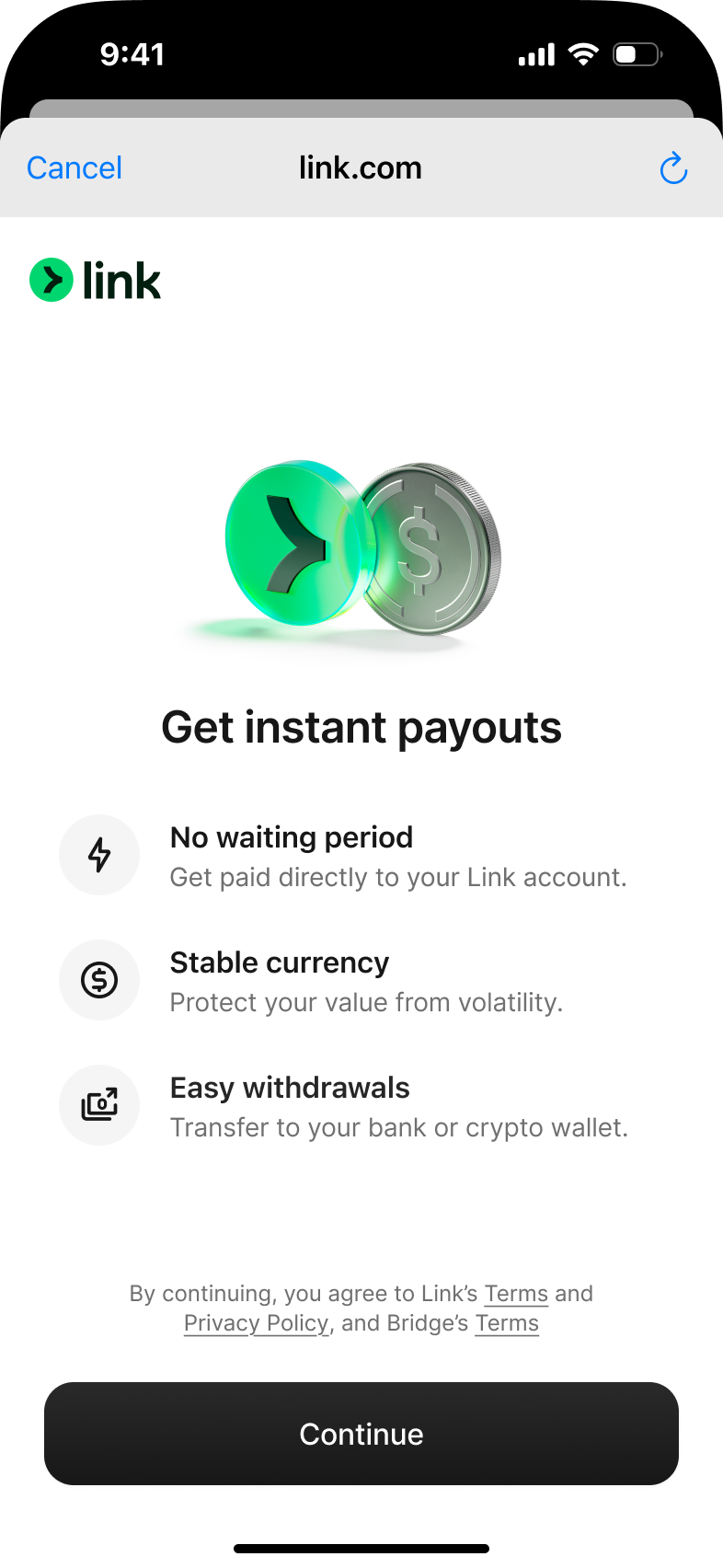
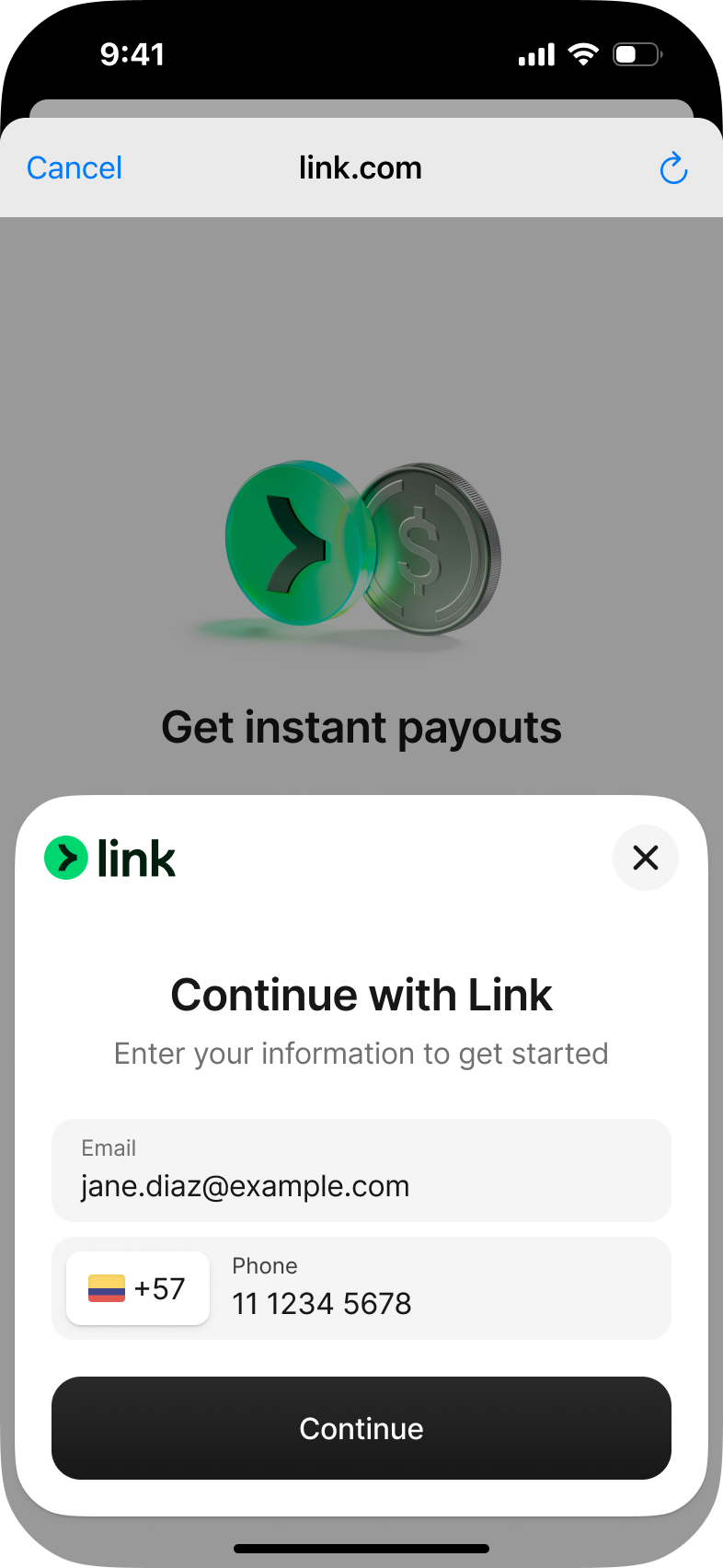
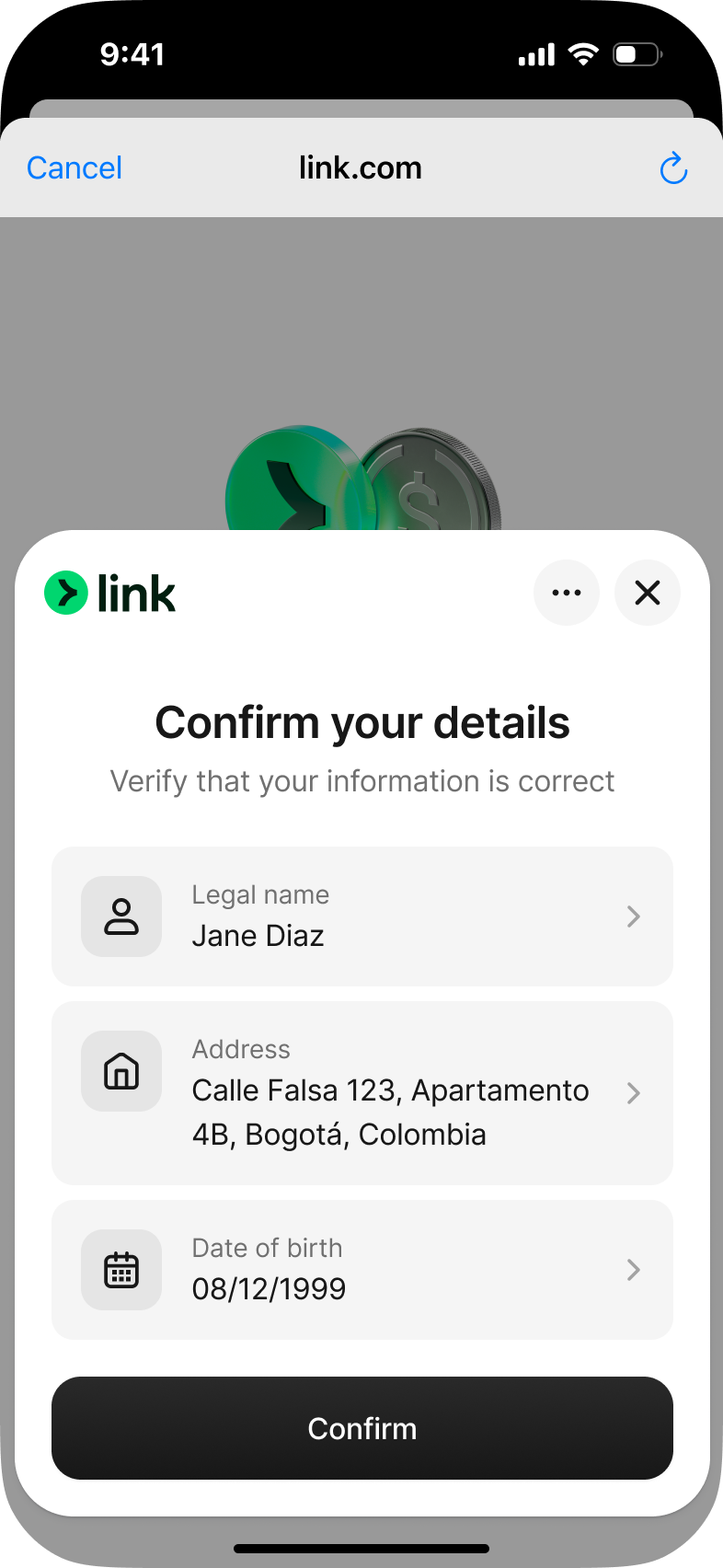
After onboarding completes, Stripe automatically creates a payout method with type: link on the recipient’s account. Retrieve it on your server using the Payout Methods API.
The Stripe-Context header in this request must be the recipient’s Account ID.
Store and withdraw the payout
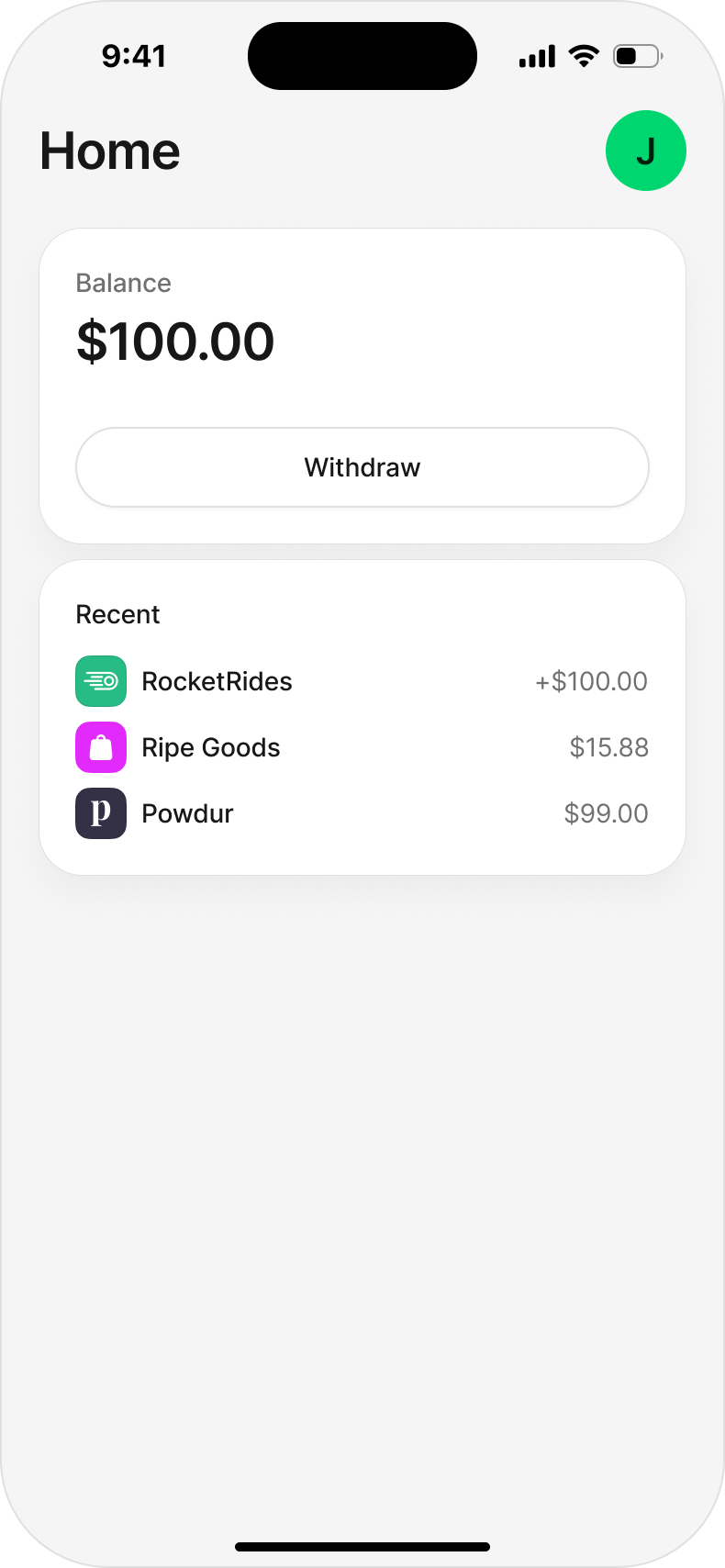
Recipients receive funds instantly into their Link account. Funds are held in USD stablecoins within Link. They can withdraw funds to their local fiat bank account or a crypto wallet.
Join the waitlist
Interested in previewing stablecoin payouts to Link users?
Enter your email to request access.