
International selling
Grow around the globe
Sell to more buyers in more regions on Shopify's global commerce platform.
Don't have a Shopify store? Start one for free

Don't have a Shopify store? Start one for free


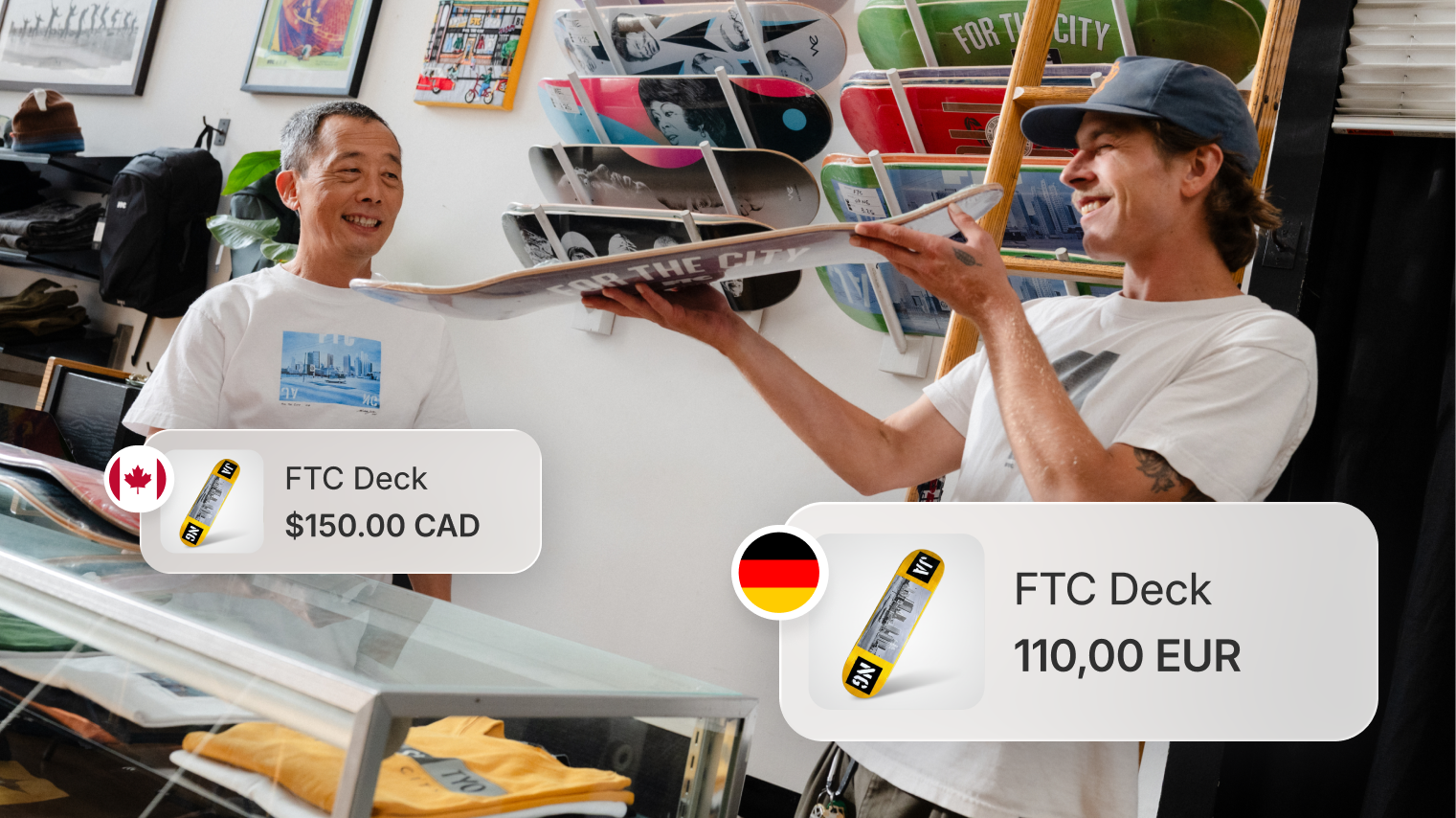
*International sales data based on a sample of 567 brands according to research commissioned by Shopify from EY.

Shopify's international sales tools have made it much easier for us to have currency conversion and update product prices as we launch in a new market.
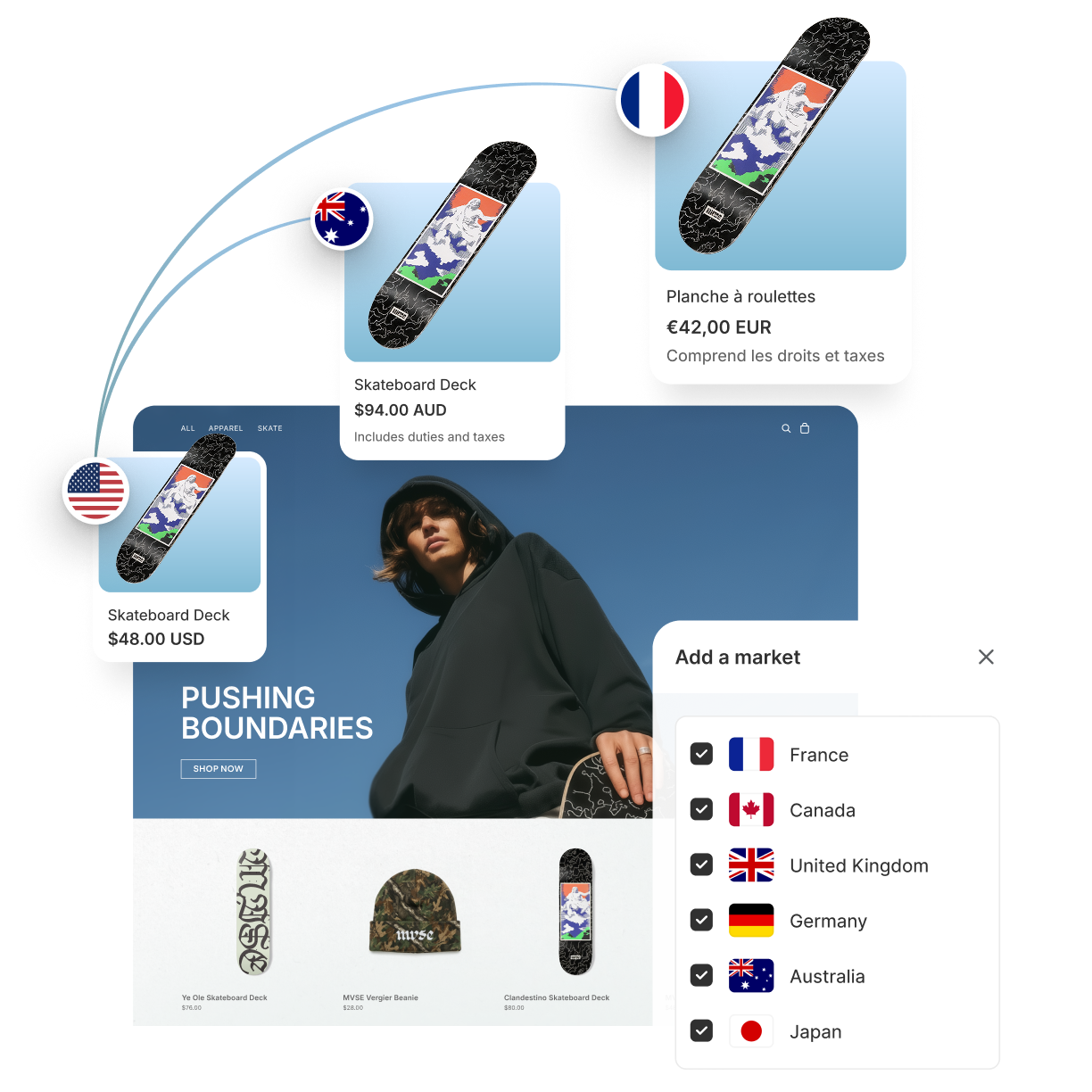
A market is a group of customers you define—often by country, region, or customer type. With Shopify Markets, you can create markets for both retail and B2B buyers, set local currencies and pricing, choose which products are available, and adapt your storefront experience for each market. All of these settings are configured and maintained by you.
Learn more about market customization.
If you're in an eligible region and selling directly to consumers, Shopify Managed Markets is the fastest way to get started. It automates much of the work and risk of cross-border selling with a merchant-of-record service (which handles foreign taxes and import fees), provides protection on eligible chargebacks, and offers automatic price adjustments to help keep your margins consistent across markets.
For merchants outside eligible regions, Shopify Markets lets you sell internationally on any plan. You configure local currencies, market-specific pricing, translations, and duties and import taxes yourself.