


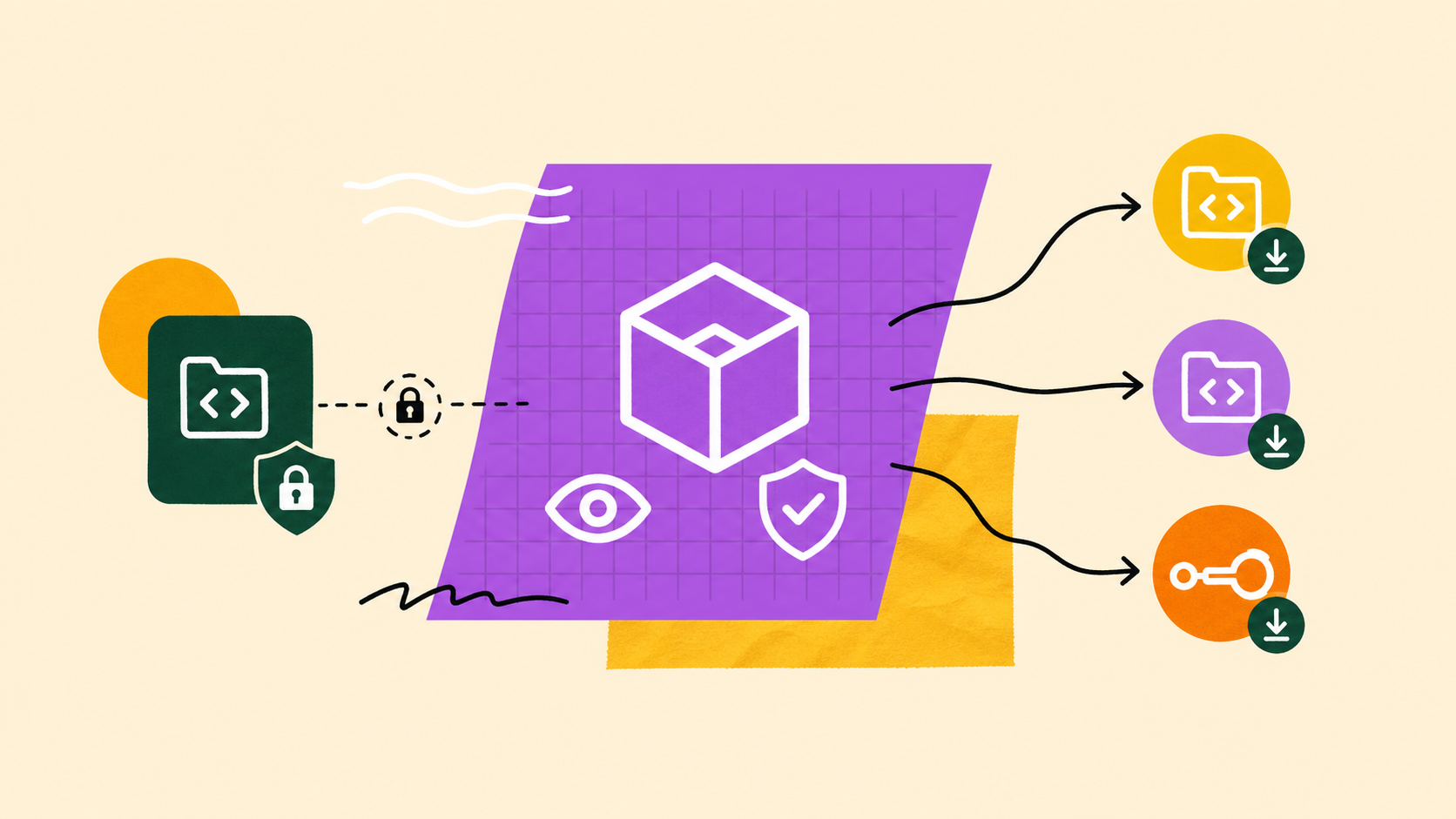
We launched Bitbucket Packages to give teams one place to manage code, pipelines, and artifacts, and we’ve been expanding it ever since, first with Maven and npm, then PyPI and NuGet. Every one of those packages has shared one trait: it lives inside a single repository and inherits that repository’s permissions. Most of the time, that’s exactly what you want. But it also means sharing a package across repositories has meant granting people access to source code they never needed to see.
Starting today, it doesn’t have to. With internal packages, a repository admin can open up read access to a package across every repository in the workspace, without handing out any access to the linked repository. Mark a package as internal, and any member of your workspace can pull it from anywhere, while write access stays exactly where it was.
Why we built this
Until now, a package was only as shareable as its linked repository. When another team wanted to pull a shared base image or a common library, someone first had to grant them read access to the source repository, even though all they wanted was the artifact. In practice, that created friction that had nothing to do with the code:
- Repetitive access requests: Repository admins and platform teams spent real time approving permission requests just so someone could pull a shared package.
- Oversharing to get work done: Granting repository access to share one artifact also exposed source code the requester didn’t need, and often shouldn’t see.
- Stalled pipelines: Any pipeline without read permission on the source repository couldn’t pull the packages it depended on, blocking automation until access was sorted out.
Internal packages remove that friction directly: share the artifact, not the repository.
Internal vs. private: what actually changes
Every package now has one of two visibility states, set per package on the linked repository. It’s worth getting the distinction right before you turn anything on, because it’s the whole model in a nutshell:
| Private (default) | Internal | |
| Who can read (pull/download) | Only users with permission on the linked repository | Any member of the workspace, from any repository |
| Who can write (push/publish/delete) | Users with write access to the linked repository | Users with write access to the linked repository (unchanged) |
| Linked repository | Visible to those with repository access | Hidden from members who don’t have repository access |
The one thing to hold onto: internal only changes who can read a package, never who can write to it. Cross-repository access is strictly read-only. Push, publish, delete, and visibility changes all still require write access to the linked repository. There is no cross-repository write tier. And because private stays the default, nothing about your existing packages changes unless you choose to make one internal.
How internal packages work
Visibility is set per package by anyone with write access to the linked repository, and it can be changed at any time. When a package is marked internal:
- Anyone in the workspace can pull it: Workspace members can view, pull, download, and install the package, even without access to the linked repository.
- The source repository stays hidden: Members without repository access get a read-only, repository-agnostic view. The linked repository is kept out of breadcrumbs, URLs, and package details, so nothing leaks about where the package lives.
- No lock icon: An internal package appears without the private lock icon in both the workspace and repository package listings, so it’s easy to tell at a glance what’s shared.
- Pipelines can pull across repositories: Pipelines in other repositories can pull internal packages read-only, so shared base images and libraries no longer block a build. Pushing still requires write access to the linked repository.
- The workspace boundary holds: Internal grants read access to workspace members only. Anyone outside the workspace still can’t reach the package.
Getting started
You need write access to the linked repository to change a package’s visibility. To make a package internal:
- In the repository, select Packages on the left sidebar.
- Select the package you want to update.
- Select the Edit access button.
- Choose Internal to make it readable across the workspace, or Private to keep it repository-scoped.
- Select Save to apply your change.
Once a package is internal, it appears for workspace members under Workspace → Packages, and you can switch it back to private whenever you like. For a full walkthrough, see Set up and use internal packages.
Share your feedback
Internal packages exist because teams like yours told us that sharing a package shouldn’t mean sharing source code, and we want to keep that conversation going. Let us know how internal packages fit into your workflow, where they could be smoother, and what would make Bitbucket Packages even more useful for your team. Share your thoughts and requests in the Bitbucket community.


