
Watch Formula 1 in the Apple TV app on Mac
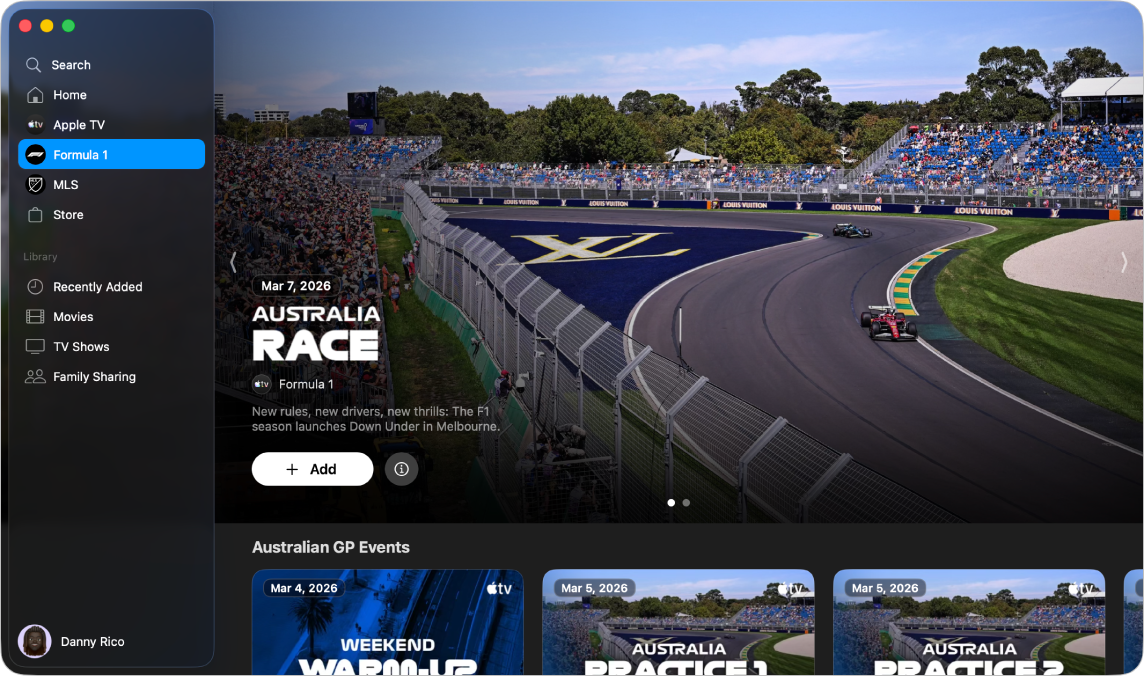
Formula 1 in the Apple TV app gives you access to Formula 1 races when you subscribe to Apple TV (U.S. only).
In addition to pre- and post-race programming, you can choose from multiple video feeds during live races to get a truly immersive watching experience, from following a driver’s perspective to tracking the race course in real time.
Note: Some Formula 1 races may be available to watch on a promotional basis, but full access to all races, shows, and features requires a subscription to Apple TV.
Watch Formula 1 races
Go to the Apple TV app
on your Mac.Click Formula 1 in the sidebar.
Do any of the following:
Explore featured events: View featured events at the top of the app window by clicking
 to progress through items.
Browse available races, programming, and more: Scroll to a category row, then navigate left or right to view available options.
Tip: Click a row title to view all items in a category or get more information about a collection.
To start watching, click an event thumbnail.
If a race is in progress, tap Watch Live to tune in to the live broadcast, or Watch from Start to watch from the beginning.