
Open a spreadsheet in Numbers on iPhone
You can open Numbers spreadsheets saved on iPhone, in iCloud Drive, on connected servers, in other third-party storage providers, and on an external storage device that’s connected to your iPhone. You can also import Microsoft Excel spreadsheets (files with a .xls or .xlsx filename extension), delimited text files, or fixed-width text files into Numbers and make changes to them. See Import an Excel or text file.
Note: When you open a spreadsheet saved in iCloud Drive, it’s automatically downloaded to your device.
Open an existing spreadsheet in Numbers
Go to the Numbers app
 on your iPhone.
Open a spreadsheet. If a spreadsheet is already open, tap
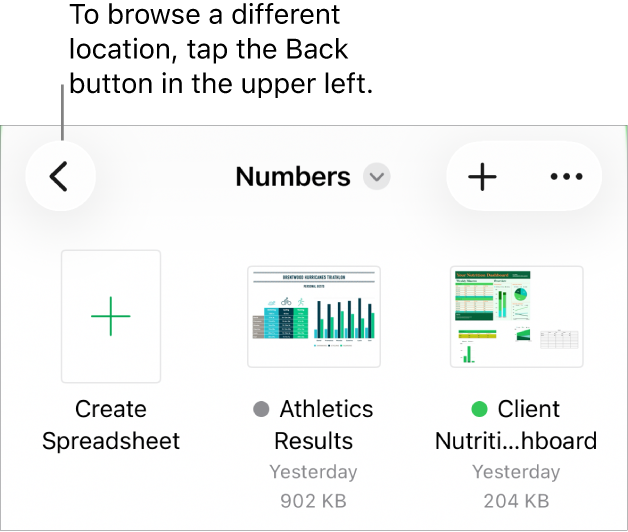
 in the top-left corner to see all your spreadsheets.
Tap a thumbnail to open a spreadsheet.
If you don’t see the spreadsheet you want to open, try searching for it, or tap Browse or Recents at the bottom of the screen. See Find a spreadsheet.
To make changes to the spreadsheet, you may need to tap Edit at the top of the screen.
Spreadsheets you receive from someone may open in reading view. In reading view you can view content and perform basic tasks in the spreadsheet, but to make any changes, you must switch to editing view. If you don’t see Edit at the top of the screen, then the spreadsheet is already in editing view. See Prevent accidental editing.
When you open a spreadsheet that uses fonts that you don’t have, a missing font notification appears briefly at the top of the sheet. If you want to replace the missing font, tap the notification, tap Resolve Font Warnings, then tap Resolve. If the notification is no longer visible, tap  , tap Show Document Warnings, tap Resolve Font Warnings, then tap Resolve.
To install a new or missing font on your iPhone, you can download it from the App Store. See the iPhone User Guide for instructions.
Some templates aren’t downloaded to your computer until you choose them or open a spreadsheet that uses one. If your connection is slow or you’re offline when this happens, images in the spreadsheet may appear at a lower resolution until you’re online again or the template finishes downloading.