What’s new in Apple Watch and watchOS 26
Introducing the latest Apple Watch lineup
Apple Watch Series 11. Includes the most comprehensive set of health features in the thinnest, most lightweight design. The Ion-X glass front crystal in the aluminum models is the most durable yet, with two times more scratch resistance than the previous generation. Apple Watch Series 11 takes innovation in health even further with two new features—hypertension notifications and sleep score. Apple Watch Series 11 also features 5G, the latest in cellular connectivity, as well as a new antenna architecture for improved performance and even more coverage. See Receive hypertension notifications and View your sleep score.
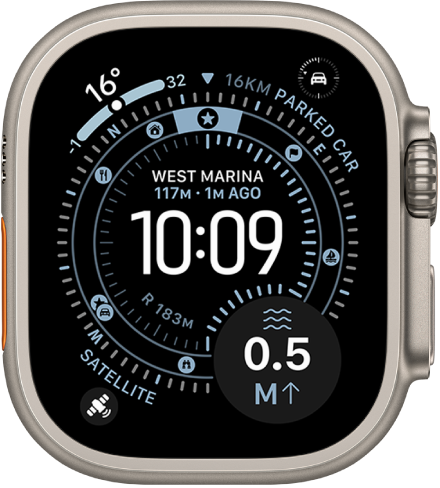
Apple Watch Ultra 3. Has the largest display and longest battery life of any Apple Watch. With Apple Watch Ultra 3, you can connect to a satellite* to text emergency services, message friends and family, or share your location—all while you’re off the grid without cellular and Wi-Fi coverage. See Set up satellite communications on Apple Watch Ultra 3.
Apple Watch SE 3. See information at a glance with an Always-On display, track your sleep score and wrist temperature, control your watch with one-handed gestures, and quickly charge your battery with fast charge capabilities. See Set up wrist temperature tracking and Use gestures.
Health and fitness
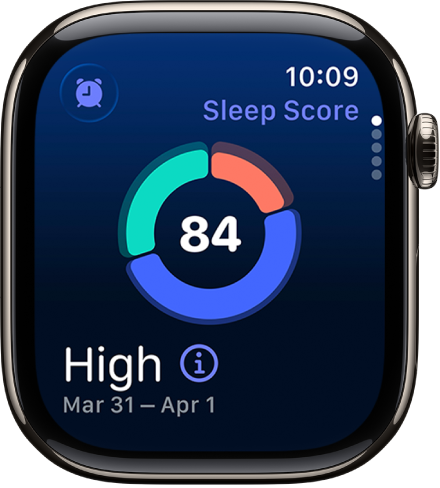
Check your sleep score. After you wake up, you can view a sleep score based on estimates of how long you slept, the consistency of when you fell asleep relative to your recent history, and the amount and duration of awake periods during sleep. See View your sleep score.
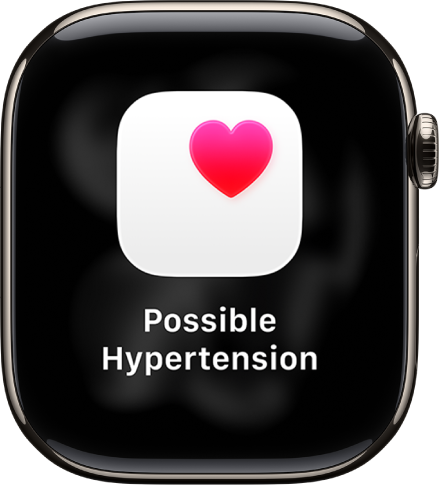
Hypertension notifications. A new health feature—Hypertension Notifications—helps track your heart data to detect signs of possible hypertension. See Receive hypertension notifications.
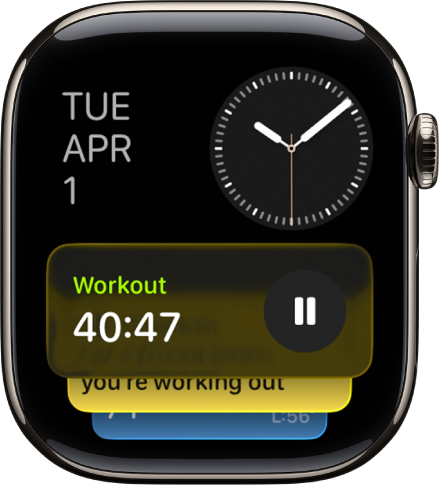
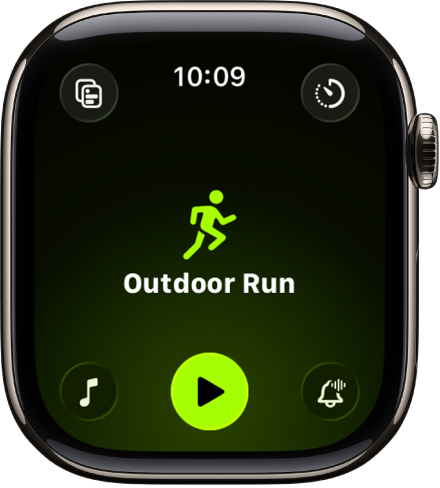
A redesigned Workout app. The redesigned Workout app makes it easier to see how your workout is going with metrics, media, and features like Pacer, Race Route, Custom Workout, and Workout Buddy. See Start a workout.
Sounds to keep you moving. Let Apple Music choose the best playlist based on the workout you’re doing and the music you love. You can also choose a suggested playlist or podcast. See Play audio during a workout.
Go the extra mile with Workout Buddy. With an Apple Intelligence-capable** iPhone, Workout Buddy provides you with the right encouragement based on your workout data and fitness history. Workout Buddy can even let you know when you’ve hit a new milestone—like crossing 500 miles and more. See Use Workout Buddy.
Convenience and connection
Silence alerts with one hand. With the wrist flick gesture, you can now dismiss notifications and incoming calls, silence timers and alarms, and return to the watch face—just by quickly turning your wrist over and back. See Use wrist flick.
Automatic volume adjustment. The volume of your incoming calls, notifications, timers, alarms, and Siri can now adjust based on the ambient noise around you. See Adjust the volume for alerts, alarms, timers, and system sounds.
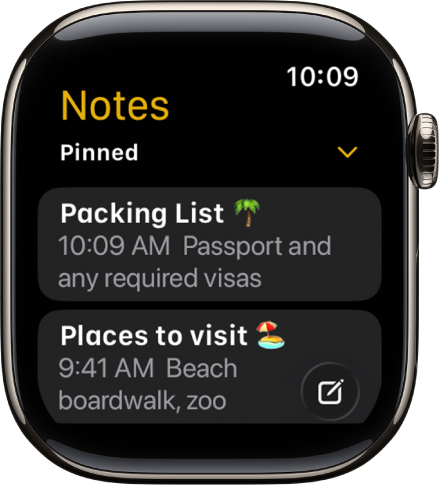
Create notes. The Notes app comes to Apple Watch. Create new notes or view existing ones. You can even tell Siri to start a new note when you’re on the go. See Create and view notes.
Live Listen transcription. When you use Live Listen on your iPhone, you can view a live transcription of conversations directly on your Apple Watch. See View a Live Listen transcription.
Stay connected
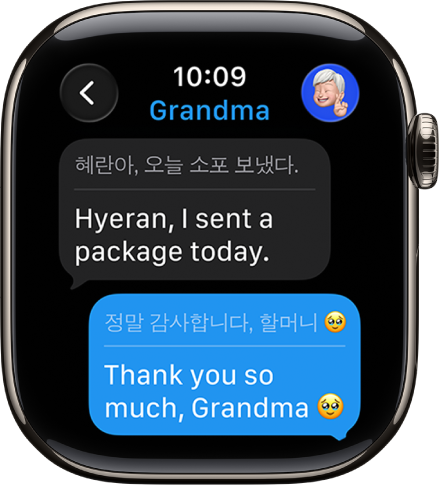
Communicate across languages. With an Apple Intelligence-capable** iPhone, Messages automatically translates texts into your preferred language. See Translate messages.
Smart actions in Messages. When a friend requests certain information in a text, Messages can quickly suggest an action in response. See Send a suggested reply.
Manage unwanted calls. Call Screening automatically answers unknown callers without interrupting you. After the caller shares their name and the reason for the call, you can decide whether to pick up. See Turn on Call Screening.
Let the Phone app wait on hold for you. When you’re placed on hold during a call, Hold Assist recognizes when a live agent is available and notifies you to return to the call. See Use Hold Assist.
Watch faces and personalization
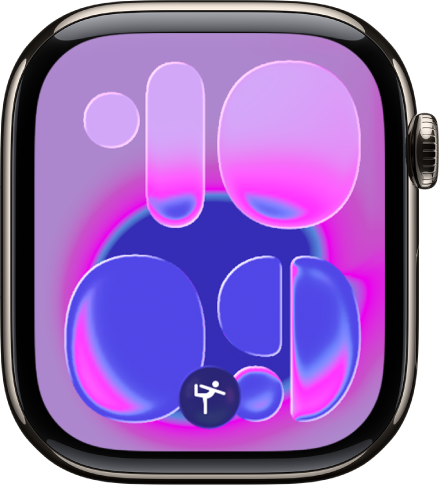
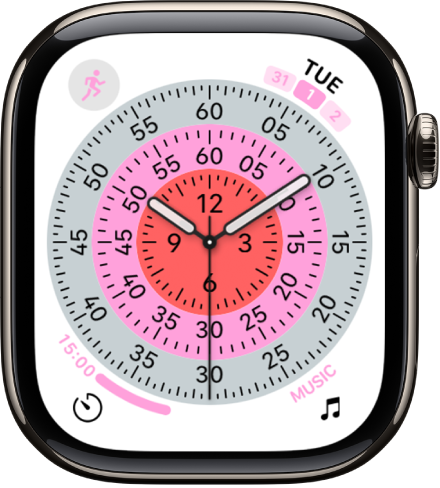
Explore new watch faces. Switch things up with new watch faces for Apple Watch. Flow showcases a moving orb of color that is beautifully refracted by Liquid Glass numerals, Exactograph displays the time in discrete, colorful dials, and Pride Harmony is a dynamic analog face that is inspired by multiple Pride flags. See Apple Watch faces and their features.
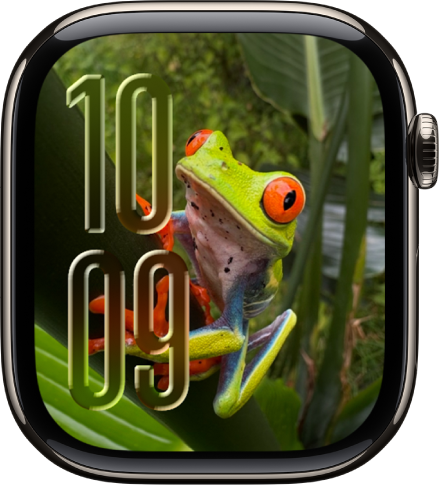
Featured photos shuffle. The Photos watch face now shuffles images based on featured content, so you can see your most meaningful moments every time you raise your wrist or tap the display.
A redesigned Watch face gallery. The Watch face gallery now groups watch faces into collections, including Health and Fitness, Photos, Data Rich, and more. See Change Apple Watch faces.
See the latest with Smart Stack. Smart Stack now delivers a gentle prompt or hint when it has a suggestion that’s immediately useful for you. You can also customize how widgets appear in the Smart Stack so you can see what’s most important for you. See timely widgets in the Smart Stack.