Switch quickly between Apple TV apps
You can quickly switch between different apps on Apple TV without having to return to the Home screen. App-switching view on Apple TV works very much like the multitasking feature on iPhone or iPad.
See recent apps
On the Siri Remote, press the Home button
 twice quickly.
 Windows representing each of the open apps, appear in a row on the screen.
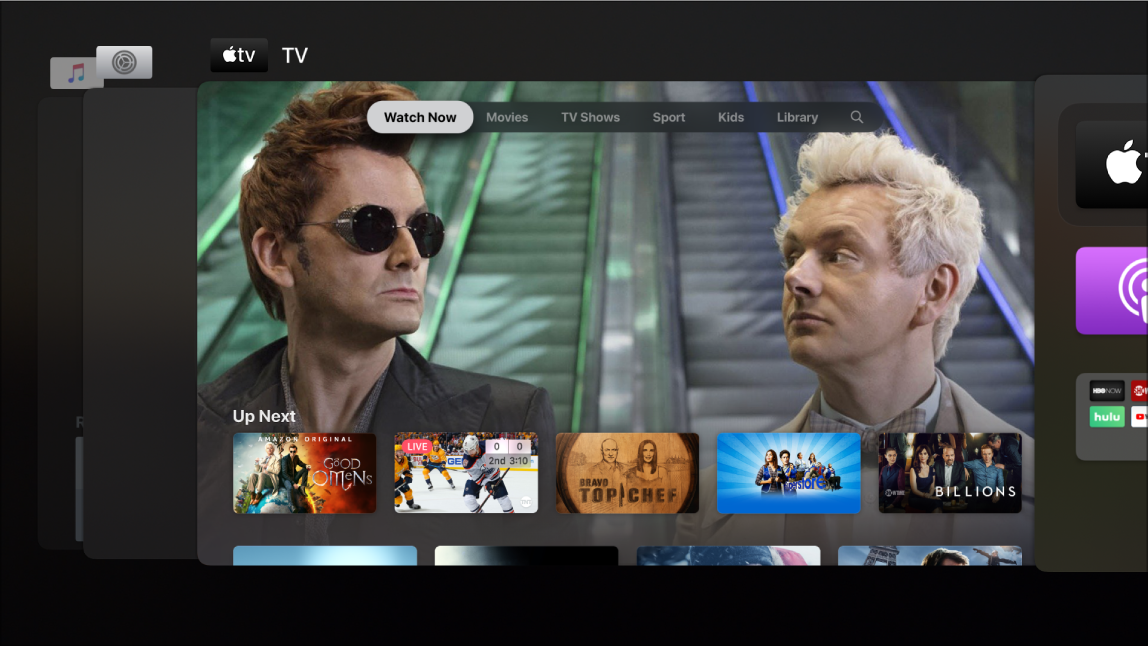
Good Omens is available on the Apple TV app
Select a different app
In app-switching view, swipe left or right on the Touch surface of the Siri Remote to navigate to a different app, then press the Touch surface to open the highlighted app (the app in the centre of the screen).
Force the highlighted app to quit
Swipe up on the Touch surface of the Siri Remote to force the highlighted app (the app in the centre of the screen) to quit.
Leave app-switching view
To leave app-switching view without changing apps, press the
 button on the Siri Remote.